The painting stays. The glyphs read it.
offline's desktop keeps a real painting or park photograph behind everything, in full colour. Over it, small Matrix-style characters re-draw the picture along its own contours and light, in its own colours, and a slow wave of light runs through them. Nothing rains.
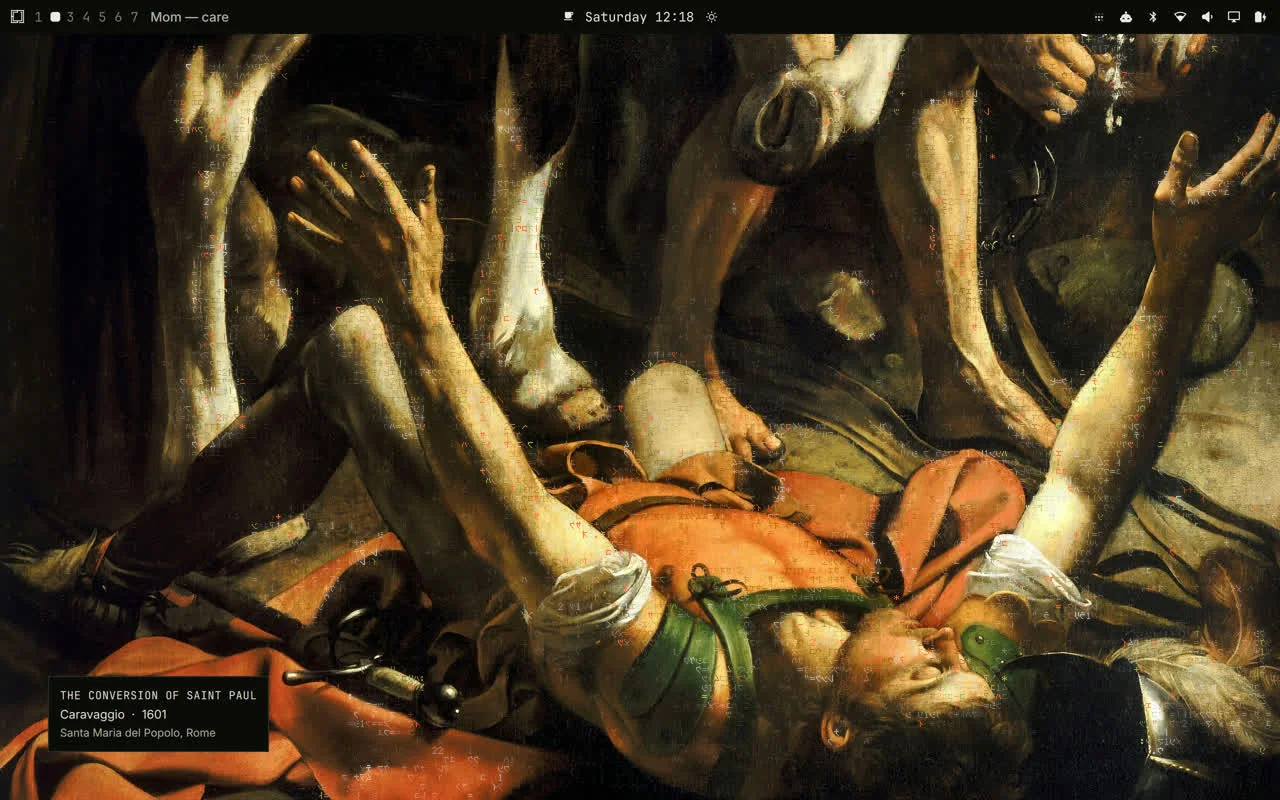
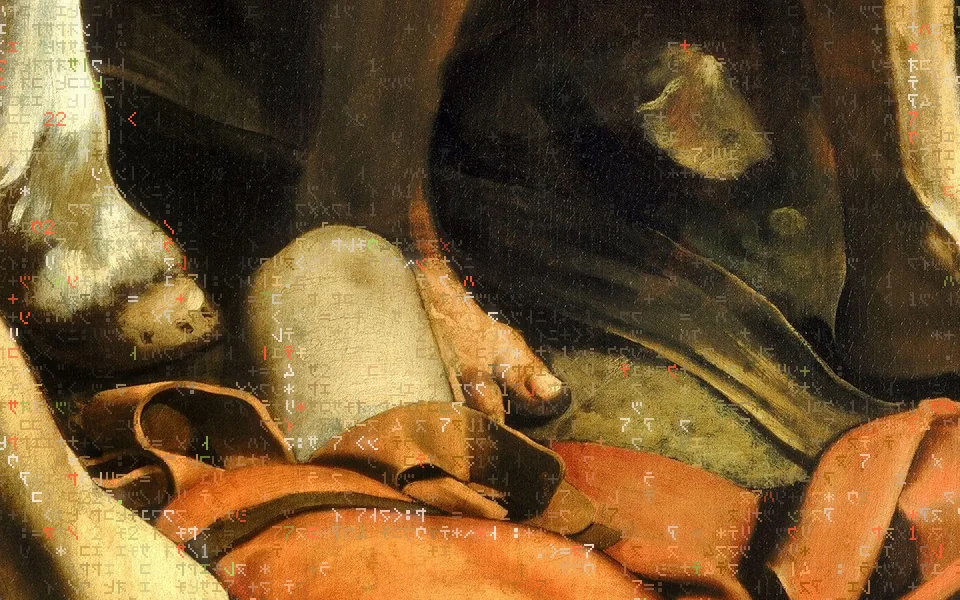
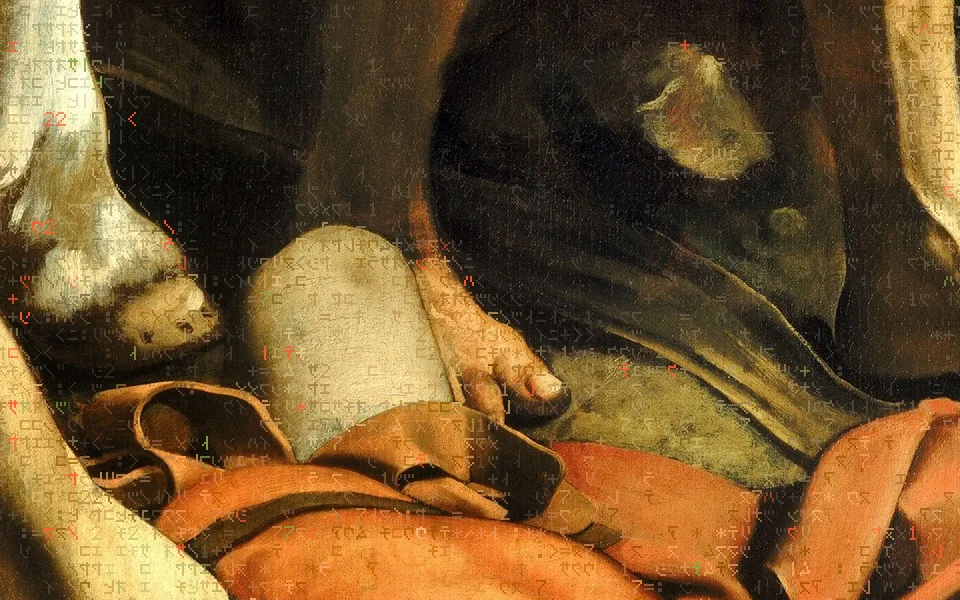
Left: a screenshot of the laptop's own screen (2560 × 1600 panel, shown at half size). Right: the same shaders drawn offscreen on the M4 Mac at the default settings, cropped at one device pixel per pixel. Caravaggio, 1601, Santa Maria del Popolo, Rome · public domain, via Wikimedia Commons.
Matrix glyphs that trace a painting.
The picture is the point. The glyphs are a second, quieter drawing of it: sparse, the painting's own colours one small step lighter or darker, gathered on its edges, lit by a wave that follows its light.
The desktop is the one place a computer shows you something for hours without asking anything of you. offline puts a public-domain painting or a national-park photograph there, untreated, and adds one living layer. The layer reads the picture once — its edges, the way its lines run, where its subject is, where its light falls — and then re-draws it in tiny characters: half-width katakana drawn mirrored as the film drew them, digits, a few marks, and four strokes that follow a contour's direction.
Three things make it Milo and not a screensaver. It reads the picture: no glyph position, colour or motion is invented; each comes from the paint under it. It stays out of the way: most cells are empty, the name card keeps clear air, and the picture shows through everywhere. The accents mean something: vermilion is Milo and moss is offline, so the only colours the layer adds are the two the brand reserves, on the contours, a few in a hundred.
The owner's brief, in his words, and the rules it became11
From the code's own comments, which quote every request: “I want the effect to be almost like its recreated the image underneath. When the image changes a new pattern emerges based on the image.” · “not like to where the underneith image cant be seen” · “match the color of the underlying image, with the bits of vermillion and moss green still” · “doesnt need to rain as much as digitally undulate” · “folo the contours and lights and shadows” · “a sleeker smoother animation that isnt taxing”.
- The painting is full colour and untouched unless someone turns a treatment on.
- Glyph colour is the paint beneath, moved in lightness only (OKLab), hue and chroma kept.
- Glyphs gather on contours, tonal edges and fine detail; plain paint keeps a light floor.
- Vermilion and moss appear only on contours: vermilion where the paint is warm, moss where it is cool.
- Every motion is a smooth function of time: no frame holds and then jumps.
- A new picture brings a new pattern, from its own maps and its own hash.
- Falling columns, rain, or anything that scrolls.
- Characters so dense the painting cannot be seen.
- Colours invented for the layer, or brand colour everywhere.
- A layer that keeps running when the machine is hot, locked, idle or low on battery.
- A still that cuts: a new picture fades in, its glyphs arrive lit edges first.
Try it on a real painting.
The three passes ported line for line to WebGL, on the gallery's own cut and the maps the desktop made from it. Move a slider and watch the painting; move the pointer over it and the glyphs part.
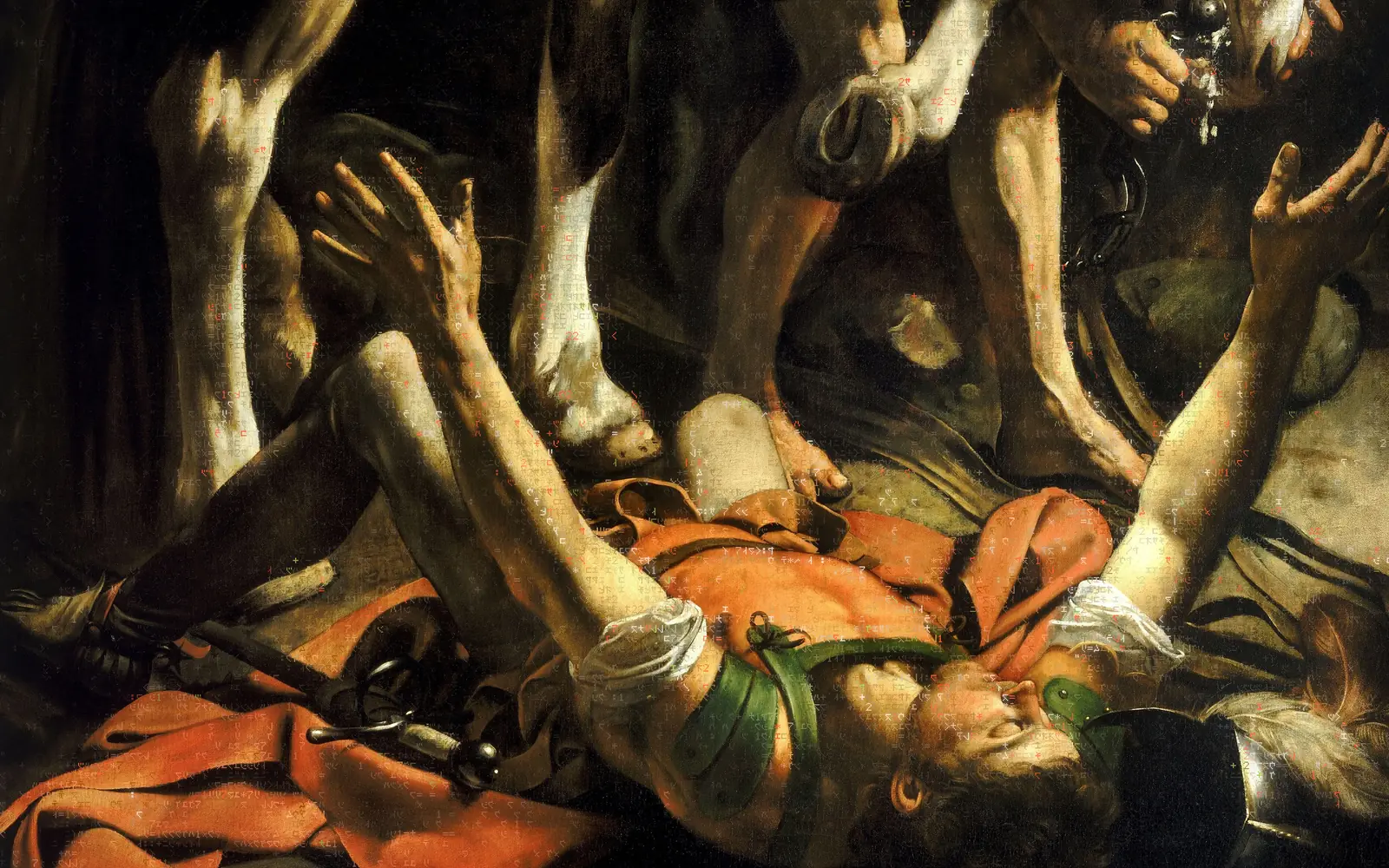
Caravaggio · The Conversion of Saint Paul · 1601 · Santa Maria del Popolo, Rome · public domain
How this demo differs from the desktop, and what it costs
engine/glyphs.js carries lane-c's three fragment shaders with only two changes WebGL2 needs: plain uniforms instead of Qt's uniform block, and render targets read with their rows flipped. The painting, its shape map and its light map are the files the laptop uses (offline/wallpaper_map.py, 160 × 100 texels); the picture's pattern dials are the same numbers the laptop reported for it. The canvas is the dot grid and the browser scales it up with image-rendering: pixelated, which is what the shell's own un-smoothed layer does.
Differences: there is no name card, so nothing is kept clear; the browser draws at most at the frame-rate cap on its own clock; and the panel's device-pixel ratio is capped at 2. It stops drawing when it scrolls out of view, when the tab is hidden and when paused. Under reduced motion it draws one still frame with the wave and the moments off, exactly as the desktop holds still.
Read once. Draw three times. Mostly empty.
The expensive reading happens once per picture on the processor. Each frame is three small GPU passes, and the biggest of them only draws dots that are lit.
- Once per picture
Picture
The painting, cut edge to edge to 2560 × 1600, shown at full colour under everything. A new one crossfades in over 1.4 s.
1 texture - Once per picture · CPU
Maps
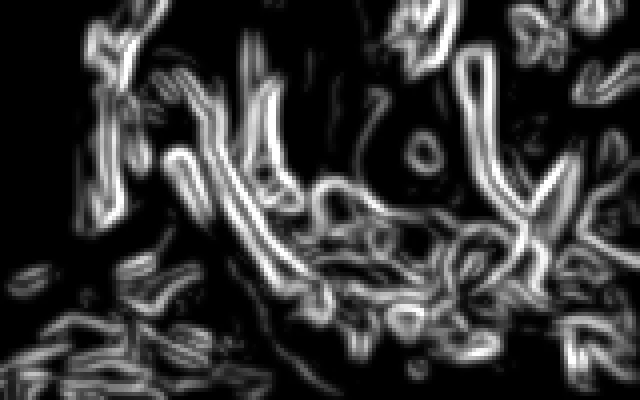
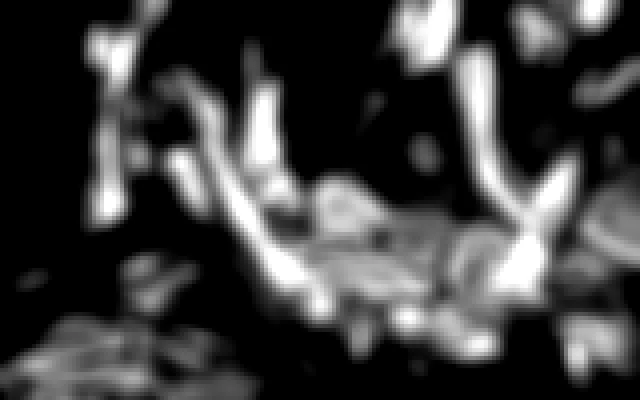
wallpaper_map.py reads it at 160 wide: edge strength, subject, contour direction; light and fine detail. Cached by the picture's hash.
2 × 160 × 100 texels - Once per picture · GPU
Ground
glyph-ground.frag: one pixel a cell. Each cell's ink (the paint, one lightness step away) and its tone (how heavy its glyph is). No clock.
214 × 89 cells on the laptop - Every frame · GPU
Cells
glyph-cells.frag: one pixel a cell. Whether it draws, which glyph, how bright, which accent, and the wave's lift.
19,046 pixels a frame - Every frame · GPU
Dots
data-layer.frag: one pixel a glyph dot, reading the atlas; empty dots stay empty unless the crest's haze passes.
1280 × 800 dots, scaled up crisp
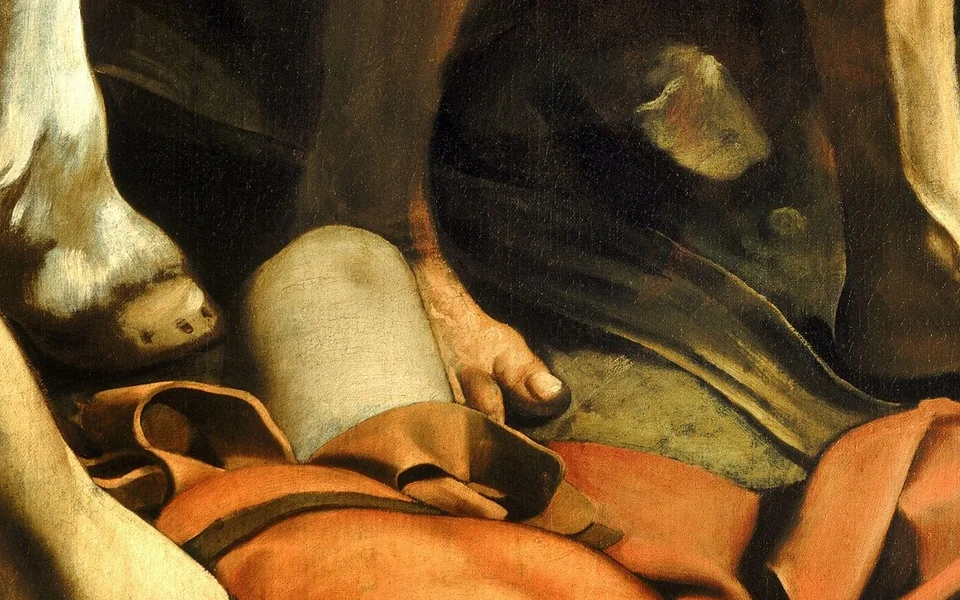
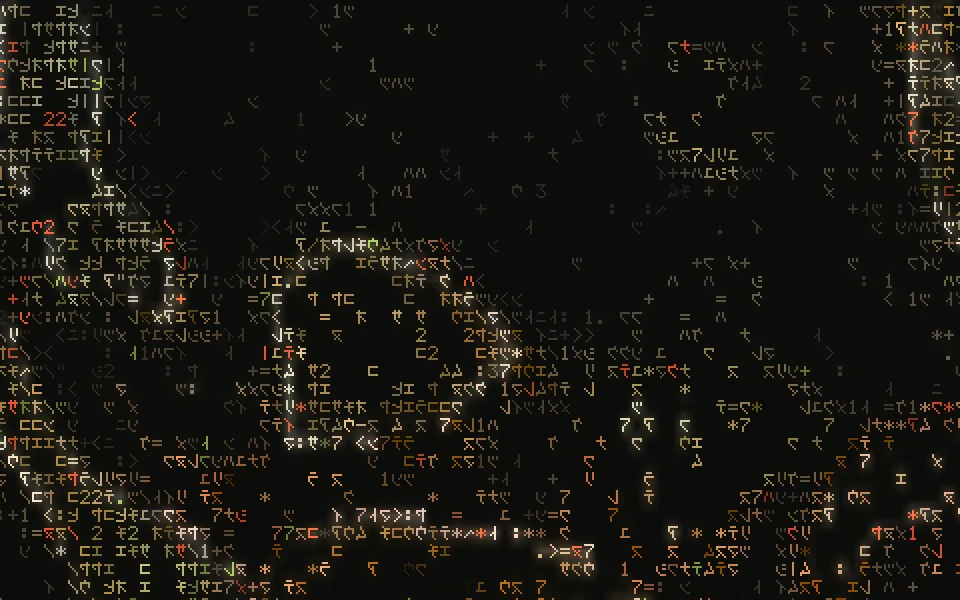
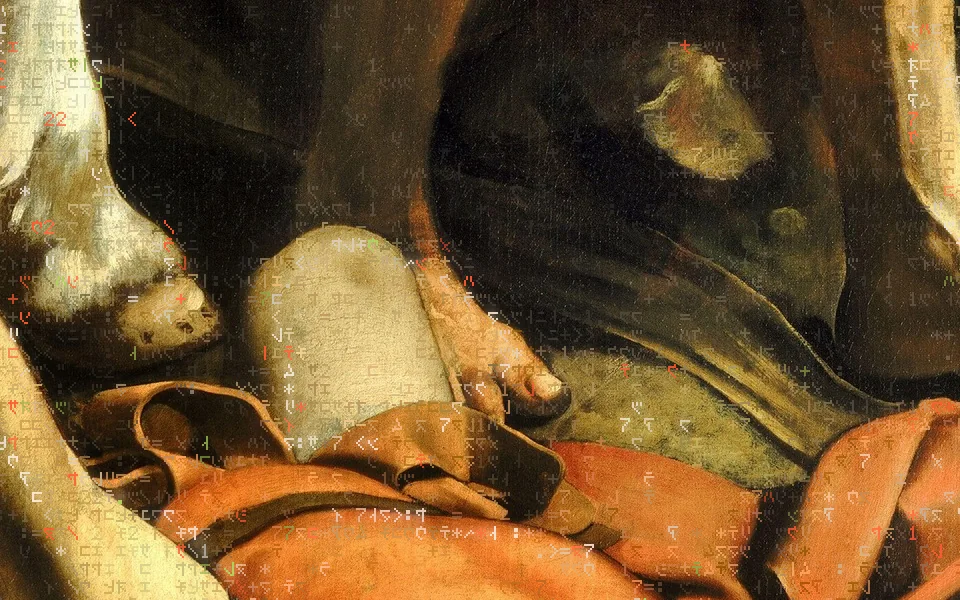
All three at 1:1 device pixels, same frame (phase 100 s), default settings. The glyph-only frame shows how little is drawn: a glyph is 5 × 7 dots in a 6 × 9 cell, and most cells are empty.
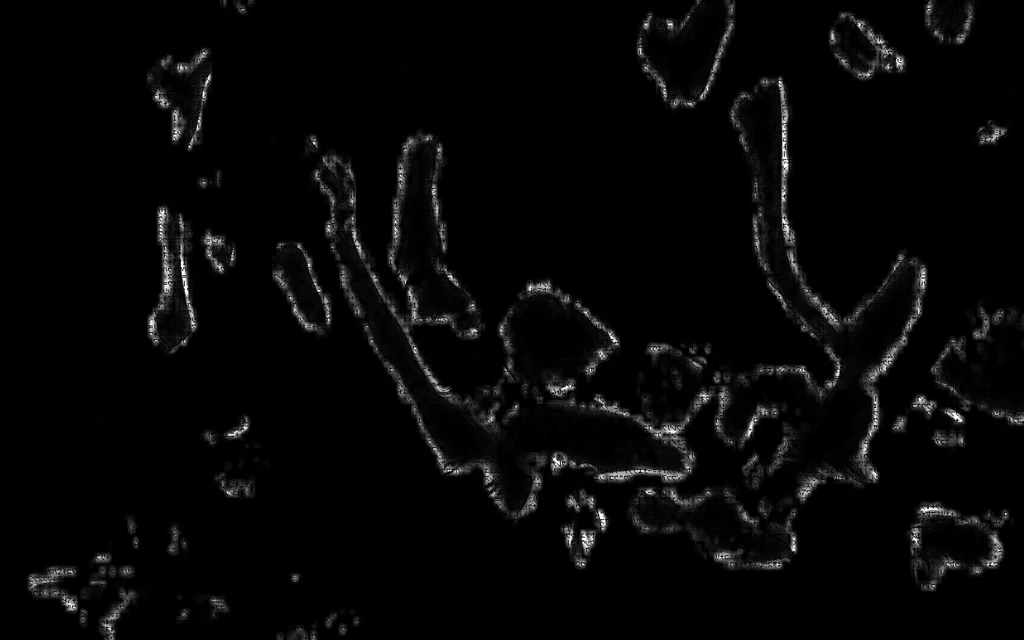
The maps the glyphs read
Made once per picture by offline/wallpaper_map.py, from the painting alone. Shown here four times larger, one square per texel.
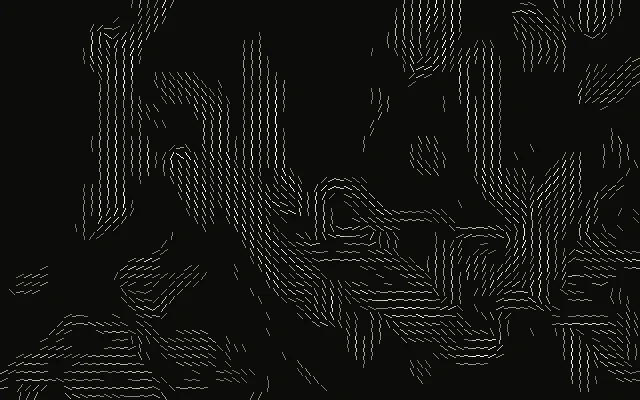
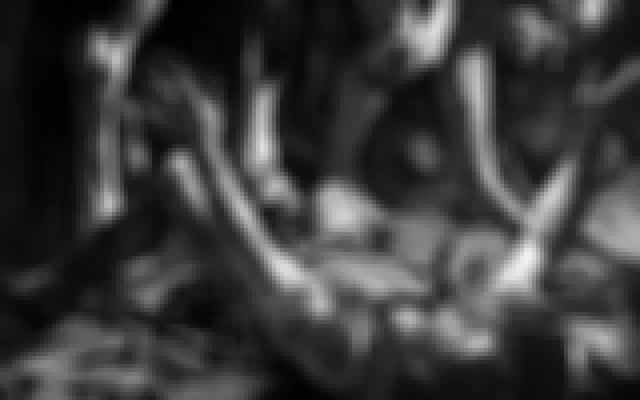
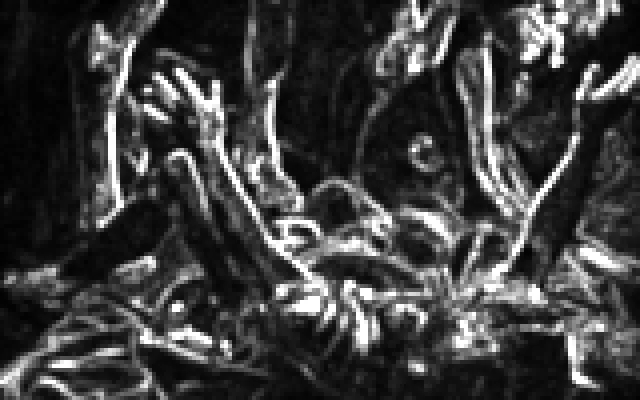
How a cell decides to draw, and what it draws
| Chance to draw | A floor everywhere of 9–22% (more where the paint is textured), up to 85 in 100 on a clear contour; tonal edges weigh 0.4 of a contour and soft turns of light 0.25; deep shadow keeps 40% of its chance. Capped at 85%. The look's density multiplies it. Which cells draw is chosen afresh at each re-drawing, by a hash no neighbour shares — no columns. |
|---|---|
| Which glyph | The cell's tone picks a place on the lighter 70% of the sparse-to-dense ramp, with four steps of variety either side. On a strong contour, 60% of cells draw the stroke that runs the contour's way — - \ | / — never two in a row along it. |
| Its colour | The paint under the cell (four taps), a tenth of the way into the NOUS tone map, its OKLab lightness moved 0.15 up over dark paint or down over light, through the mid-tones by the cell's Bayer value. Off the strong lines the step is 0.7 of that. Chroma is eased only where the moved colour would leave sRGB. |
| Accents | Vermilion 1.2% and moss 2% of contour glyphs, times 3 on a full contour, more where the paint is vivid; vermilion where the paint is warm, moss where it is cool. The crest's head makes them up to 3.5 times as likely. |
| Measured on the laptop | 71–73% of glyphs sit on the strongest 30% of the picture's edges; 11% of the flattest 40% draws; no empty 16 × 16-cell patch, and no columns. docs/evidence/wallpaper/v4/metrics.md, v5/README.md |
The glyphs
Sixty-seven characters, each 5 × 7 dots: sixty-three on a ramp from the sparsest to the densest, then the four contour strokes. The katakana are mirrored, as the film drew them; the digits are not.
A crest of light, not falling code.
Every eight seconds a crest runs from the painting's lit paint into its shadow along lines of equal light. Under it glyphs brighten, change character and carry the accents; between crests they hold.
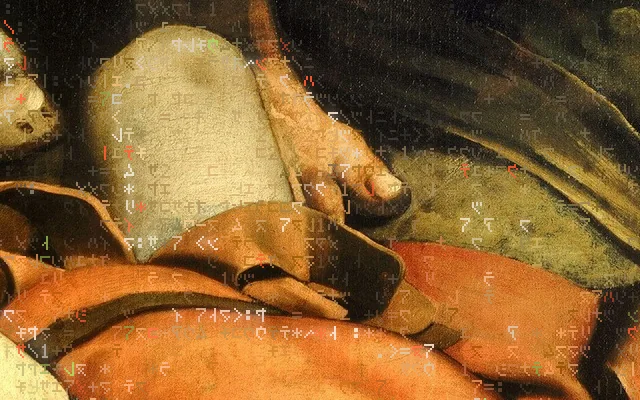
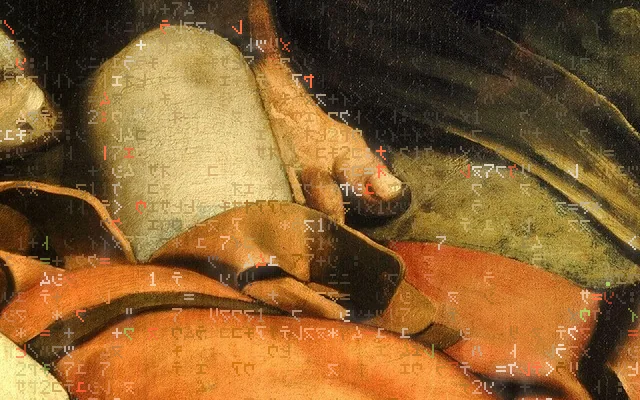
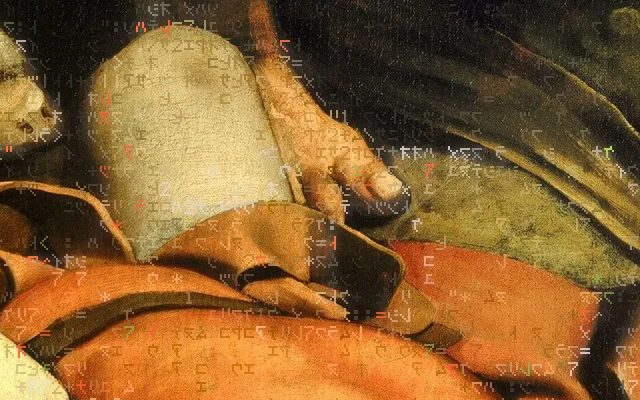
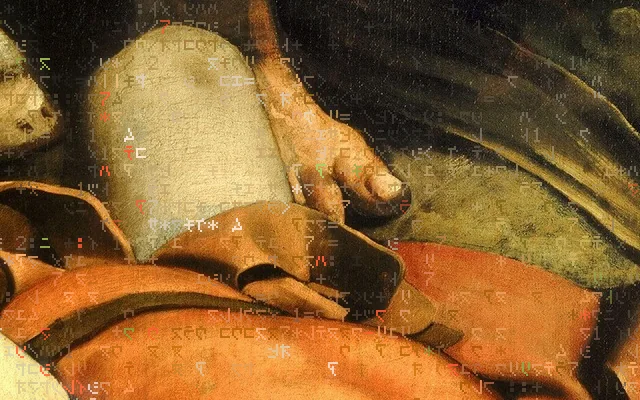
Four moments of one eight-second crest, 1:1, drawn offscreen with lane-c's shaders at the default look.
The real shaders, 40 frames 200 ms apart across one crest. Under reduced motion this is a still.
Brightness has a sharp head and a long tail: it rises in 5% of a period and falls e-fold in a sixth — the Matrix film's glyph brightness, taken off its falling columns and put onto the painting's own light.

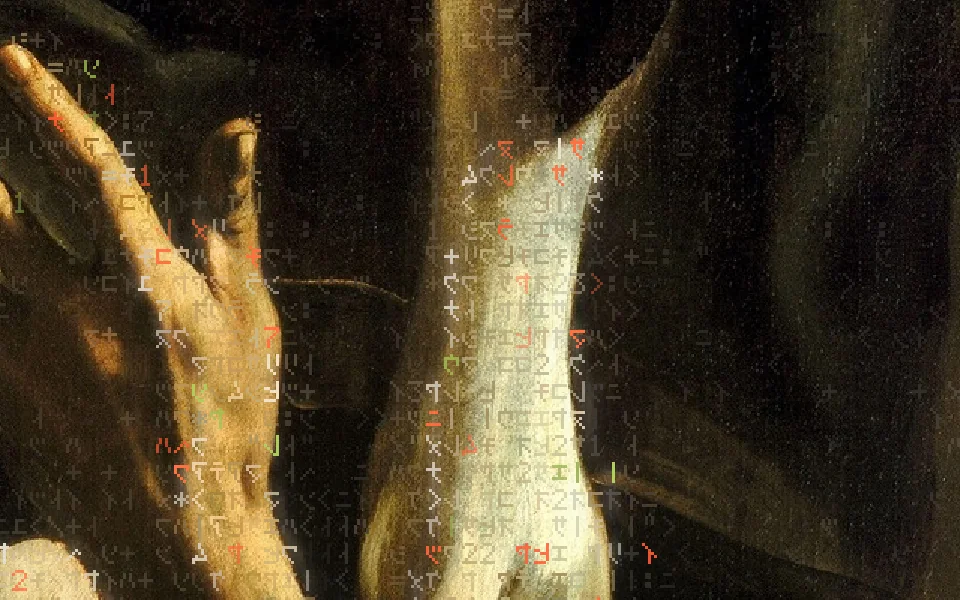
Every other motion, and the numbers7
| Crest | Every wave_period (8 s) at any one place; 1.6 crests on screen between the lightest paint and the darkest, bent by the paint's grain; contours catch it a little sooner. It keeps 35% of its light in deep shadow and is 1.6 × brighter on a contour. Lifted glyphs go 60% of the way to white over light ink, keep 55% of their light over dark. |
|---|---|
| Re-drawing | Every 20–45 s (per picture; the Caravaggio's is 30 s) a front runs from the lit edges into the shadow; each cell it passes scrambles for 1.2 s at 5 characters a second and settles on a fresh variant. |
| Re-roll | Every glyph changes character on its own clock, 0.25–1.4 times a second, twice as fast off the lines, dipping to 55% as it changes: a fade, not a blink. |
| Current | A shimmer runs along the contours both ways at 1.6 cells a second, dimming the glyphs it is not passing by up to 30%. |
| Contour moments | About every 30 s, at an irregular time, a front sweeps 70 cells out from a point along the subject's contours for 2.5 s; glyphs gather there and brighten. |
| Arrival | A new picture's glyphs arrive over 4 s, lit edges first, while the old slot fades out. After a login or reload the first picture is simply there. |
| Pointer | On the bare desktop the glyphs part round the pointer — about 13.5 cells, stretched along the picture's line — and swirl in a ring just outside. Heard only when the pointer moves there. |
Every clock repeats within the shell's 3600 s phase, and no hash is fed a count that grows forever, so there is never a visible jump. Measured on the laptop: 0.2–1.5% of the picture's pixels change every 83 ms — continuous, no hold-then-jump.
Quiet, Balanced, Vivid.
Three starting points the editor offers. Balanced is every default; Quiet lets the picture lead; Vivid brings more glyphs, more light and more vermilion and moss. Each can be tuned after.
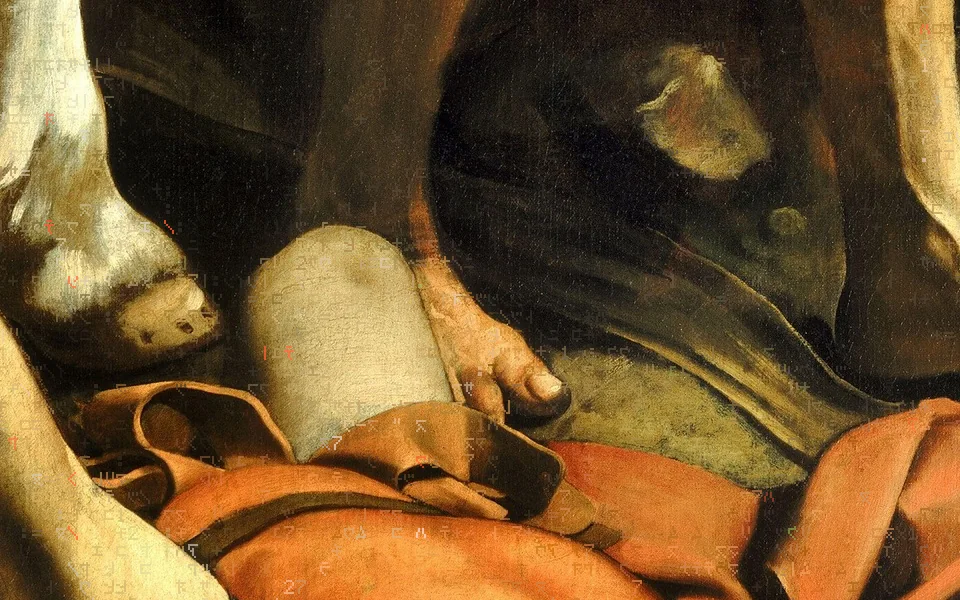
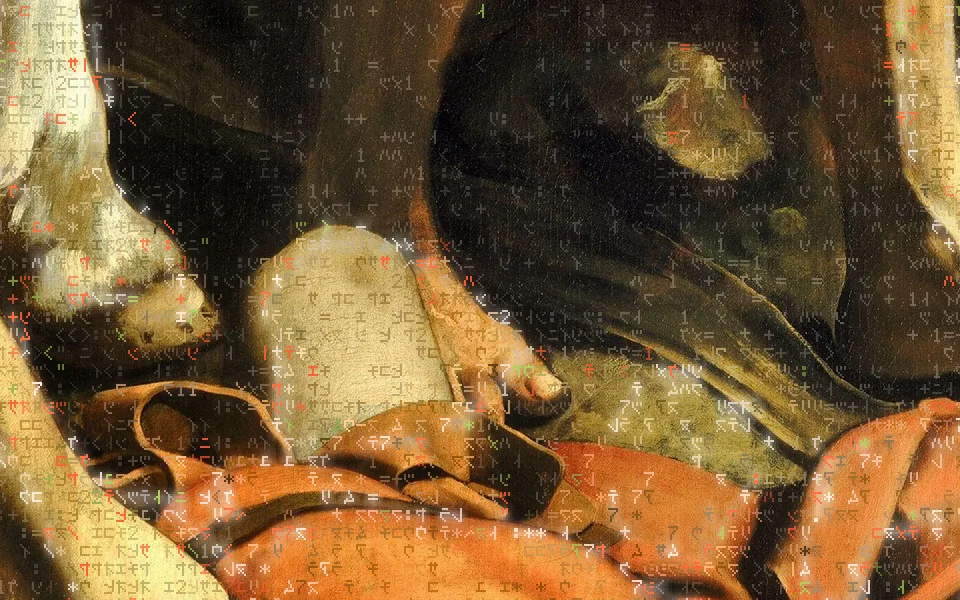
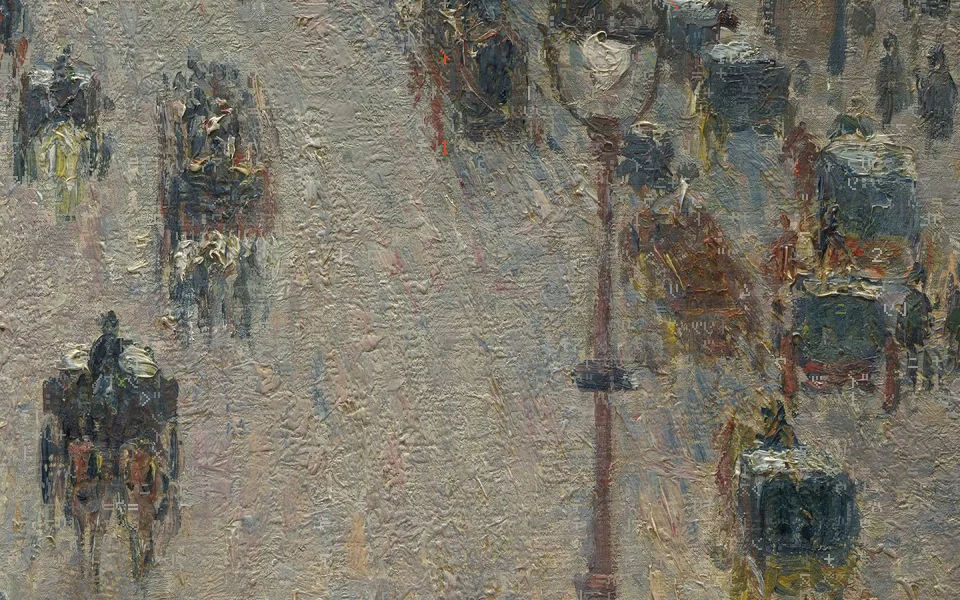
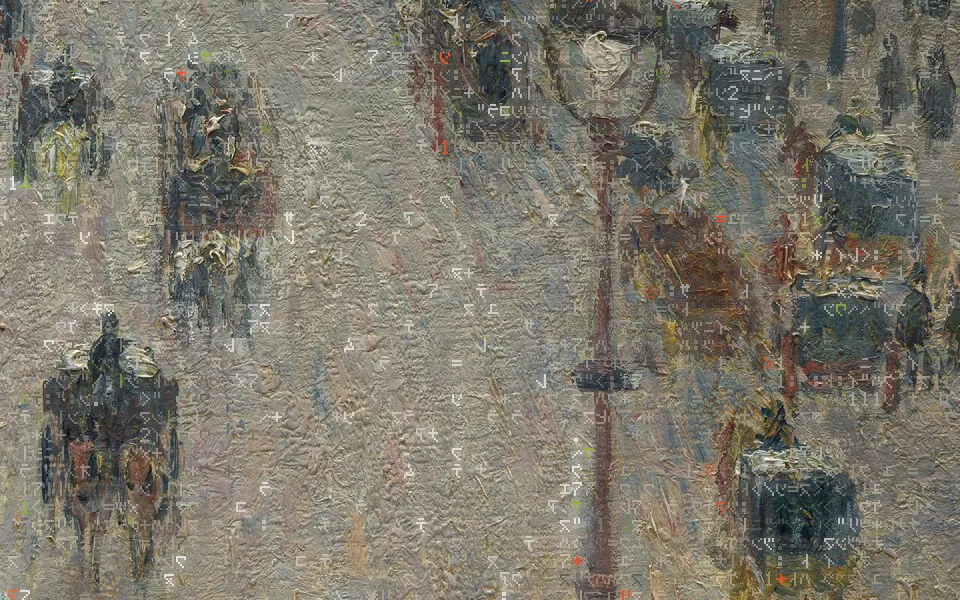
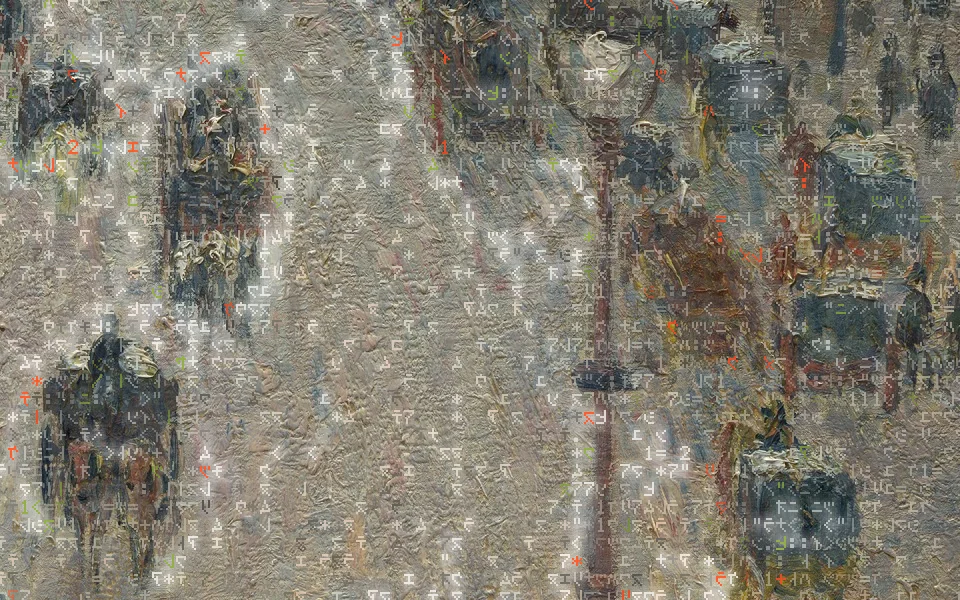
1:1 device pixels, the same frame for each level. Caravaggio, The Conversion of Saint Paul, 1601 · Camille Pissarro, The Boulevard Montmartre on a Winter Morning, 1897, The Met, CC0. On the light picture the accents take the light theme's inks, #F04A24 and #758C3A.
What each level sets13
| Setting | Quiet | Balanced | Vivid |
|---|---|---|---|
| Glyph densitydensity | 0.7 | 1 | 1.4 |
| Glyph brightness stepbrightness_delta | 0.12 | 0.15 | 0.2 |
| Vermilion and moss accentsaccents | 0.5 | 1 | 2 |
| Animation speedmotion | 0.7 | 1 | 1.4 |
| Contour momentscontour_moments | rare | normal | often |
| See-throughsee_through | 0.15 | 0 | 0 |
| Glyphs in plain areasplain_glyphs | 0.6 | 1 | 1.4 |
| Plain-area contrastplain_contrast | 0.6 | 0.7 | 0.9 |
| Plain-area change speedplain_pace | 1.5 | 2 | 3 |
| Edge emphasisedge_emphasis | 0.9 | 1 | 1.2 |
| Light waveundulation | 0.6 | 1 | 1.5 |
| Light wave intervalwave_period | 12 | 8 | 6 |
| Glowglow | 0.3 | 0.6 | 1.1 |
Threshold and softness: how heavy the glyphs are
Each picture has its own tone range — the tones that draw its lightest glyph and its heaviest (the 5th and 98th percentile of its light). Heaviness threshold slides that range's middle; Threshold softness widens or narrows it round the middle. The glyphs stay where they are; which character each one draws changes.
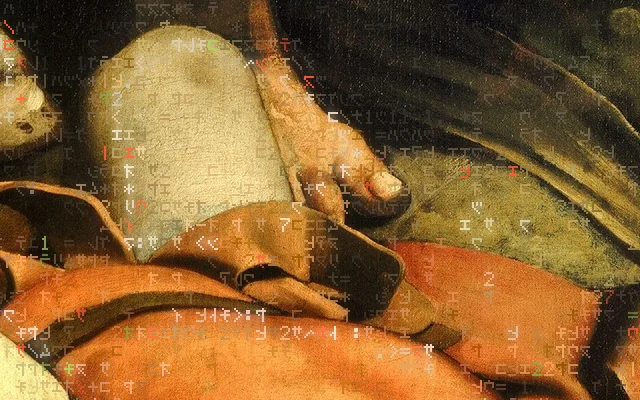
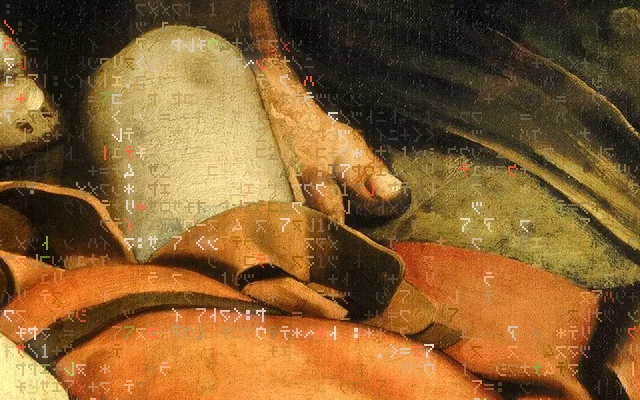
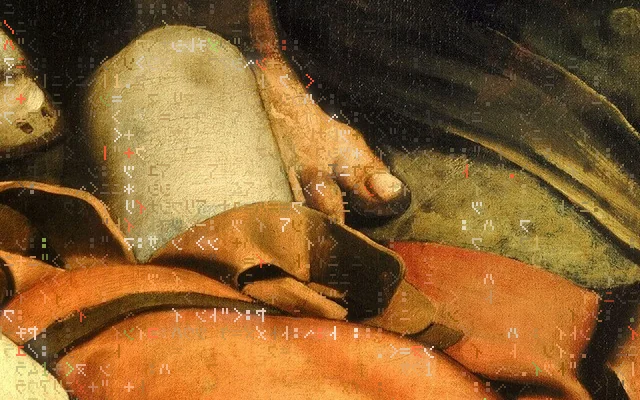
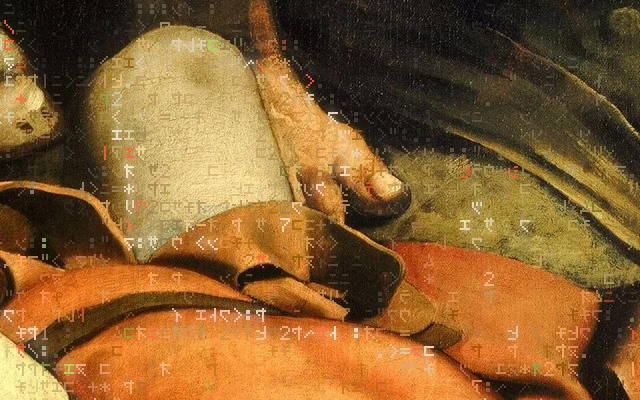
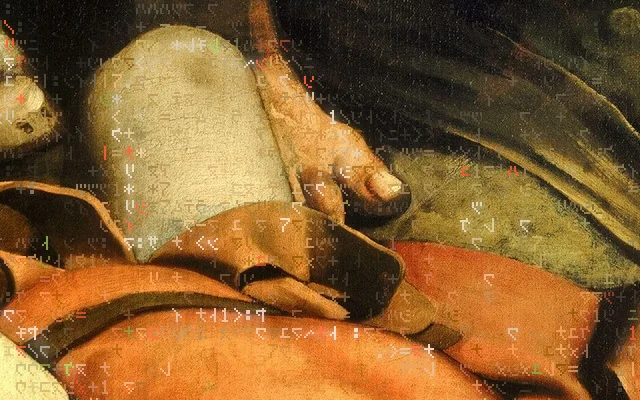
range = [ mid + threshold − half × softness ,  mid + threshold + half × softness ]   clamped to 0…1
mid, half = the picture's own (lo + hi) / 2 and (hi − lo) / 2        Caravaggio: lo 0.031 · hi 0.690
Two more dials worth seeing
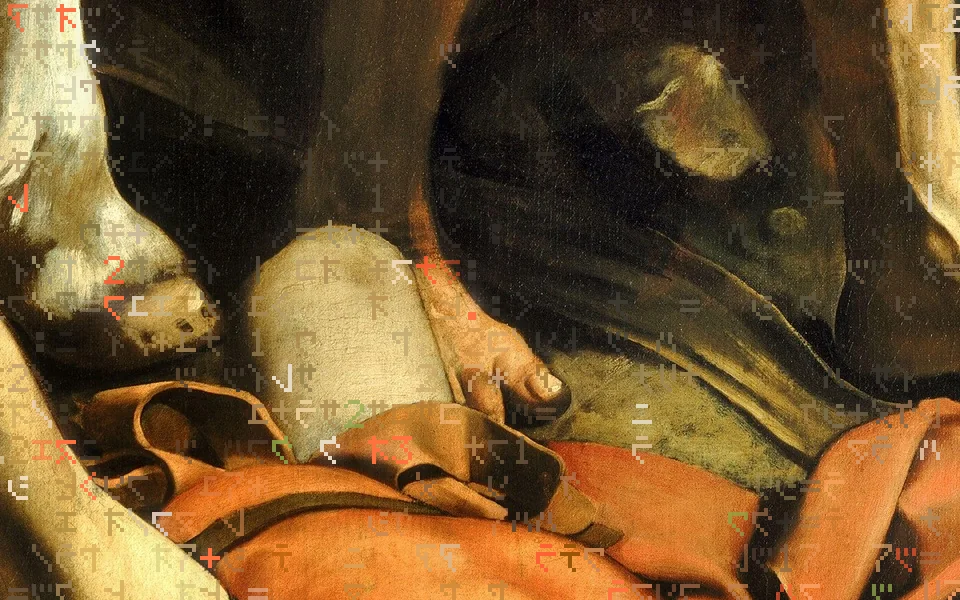
Thirty-one settings, in the editor's three groups.
Moving glyphs, Painting colour & dither, and The picture. Each is bounded: a value outside its range is held at the edge, and a bad one is refused in words.
Stored in ~/.config/offline/wallpaper-look.json, read live by the shell on a file watch — no polling. offline wallpaper look shows, sets, resets and applies presets from the command line; the editor draws its controls from the same table (offline/wallpaper.py LOOK), so the two cannot disagree.
Moving glyphs23
| Setting | Range | Default | Step | What it does |
|---|---|---|---|---|
| Glyph densitydensity | 0.25 – 2 | 1 | 0.01 | How many glyphs: 1 is the settled look, lower is sparser, higher denser. |
| Glyph brightness stepbrightness_delta | 0.05 – 0.25 | 0.15 | 0.005 | How far a glyph's lightness stands from the painting under it (OKLab L). |
| Vermilion and moss accentsaccents | 0 – 3 | 1 | 0.01 | How many Vermilion and moss-green glyphs ride the contours; 0 is none. |
| Animation speedmotion | 0.25 – 2 | 1 | 0.01 | How fast the glyphs re-draw, re-roll and shimmer. |
| Contour momentscontour_moments | off · rare · normal · often | normal | How often a moment runs along the picture's contours: about every minute (rare), half minute (normal) or quarter minute (often). | |
| Glyph sizeglyph_size | 1 – 3 | 1 | 1 | How big each glyph is: device pixels per glyph dot. |
| See-throughsee_through | 0 – 0.8 | 0 | 0.01 | How much of the painting shows through the glyphs: 0 is full strength. |
| Glyphs in plain areasplain_glyphs | 0 – 2 | 1 | 0.01 | How many glyphs the plain parts of the picture carry: 0 leaves them bare. |
| Plain-area contrastplain_contrast | 0.3 – 1.6 | 0.7 | 0.01 | How far a glyph in a plain area stands from its paint, against one on a line. |
| Plain-area change speedplain_pace | 0.5 – 4 | 2 | 0.01 | How quickly glyphs in plain areas change character, against those on a line. |
| Edge emphasisedge_emphasis | 0.5 – 1.2 | 1 | 0.01 | How strongly the glyphs gather on the picture's edges and contours. |
| Pointer clearing sizepointer_size | 0.5 – 2 | 1 | 0.01 | How wide the glyphs part round the pointer on the bare desktop. |
| Frame rate capframe_rate | 6 – 30 | 24 | 1 | The most frames a second the glyphs draw: lower saves battery and heat. |
| Pattern sizepattern_scale | 0.4 – 2.5 | 1 | 0.01 | How large the patches of glyphs are: lower is finer, higher broader. |
| Glyph change ratechange_rate | 0.2 – 3 | 1 | 0.01 | How often each glyph changes to another character. |
| Pattern holdredraw | 0.3 – 3 | 1 | 0.01 | How long a pattern holds before the glyphs redraw it: higher holds longer. |
| Colour from the paintingcolour_follow | 0 – 2 | 1 | 0.01 | How much each glyph takes the painting's colour under it; 0 is plain light and dark. |
| Light waveundulation | 0 – 2 | 1 | 0.01 | How bright the wave of light is that runs through the glyphs from the picture's lit paint into its shadow; 0 is no wave. |
| Light wave intervalwave_period | 3 – 30 | 8 | 0.01 | Seconds between one crest of the light wave and the next at any one place: lower is busier, higher calmer. |
| Characters changing under the wavewave_flicker | 0 – 1 | 0.6 | 0.01 | How many glyphs change character as the crest passes over them; 0 keeps them still. |
| Glowglow | 0 – 2 | 0.6 | 0.01 | How far the glyphs the wave lifts glow into the painting round them, in their own colour; 0 is none. |
| Heaviness thresholdthreshold | -0.4 – 0.4 | 0 | 0.01 | Where glyphs turn heavy: lower, and heavy glyphs spread over more of the picture; higher, only its strongest tones. |
| Threshold softnessthreshold_softness | 0.3 – 2 | 1 | 0.01 | How gradually glyphs go from light to heavy: low is a hard cut, high a slow blend. |
Painting colour & dither5
| Setting | Range | Default | Step | What it does |
|---|---|---|---|---|
| Treatmentpaint_treatment | off · national-park · nous · archive · paint · field-study | off | Milo's colour and dither over the painting, in one of the brand's named treatments; off is the painting itself. | |
| Treatment strengthpaint_amount | 0 – 1 | 0.6 | 0.01 | How much of the treatment shows over the full-colour painting. |
| Dither dot sizedither_size | 1 – 6 | 2 | 1 | How big each dither dot is, in screen pixels. |
| Treatment contrastpaint_contrast | 0.6 – 1.6 | 1 | 0.01 | More or less contrast than the treatment's own. |
| Tone stepstone_steps | 2 – 8 | 4 | 1 | How many tones the dither separates the painting into. |
| Treatment | Stops | Matrix | Strength | Contrast | Levels |
|---|---|---|---|---|---|
| National Parknational-park | bayer8 | 0.7 | 1.05 | 4 | |
| NOUSnous | bayer4 | 0.9 | 1.1 | 5 | |
| Archivearchive | bayer4 | 0.5 | 1 | 6 | |
| Paintpaint | bayer4 | 1 | 1.1 | 4 | |
| Field Studyfield-study | bayer4 | 1 | 1.05 | 2 |
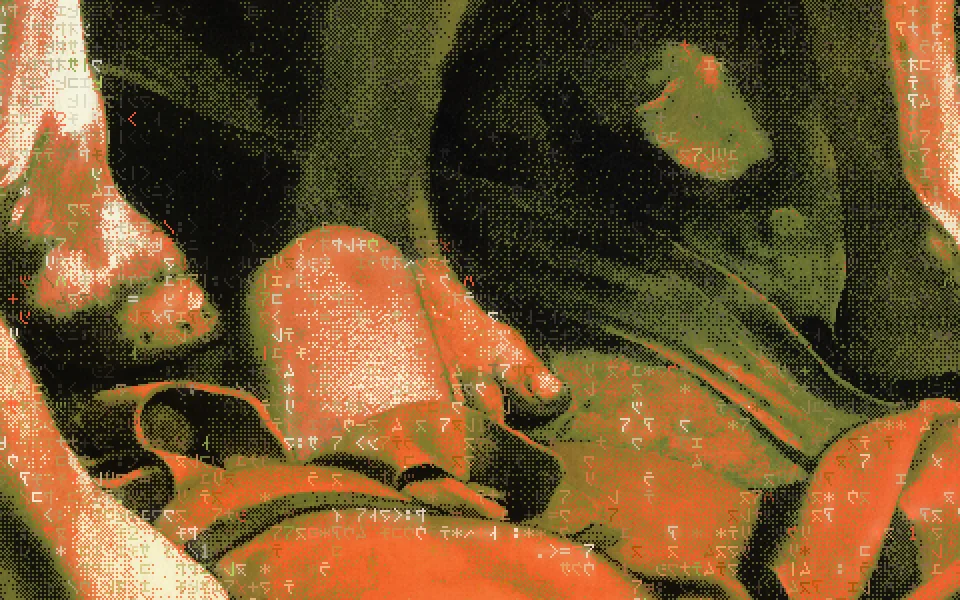
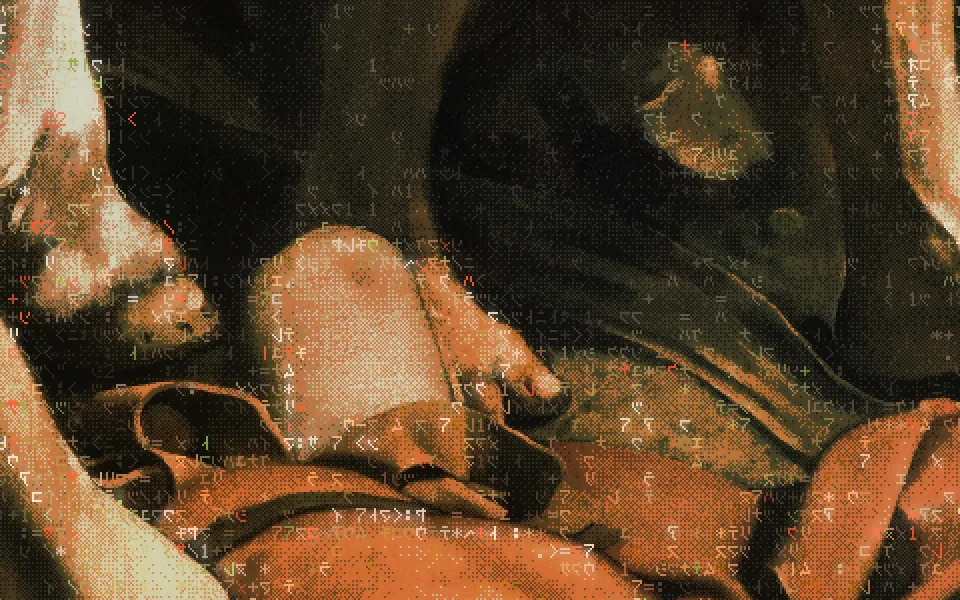
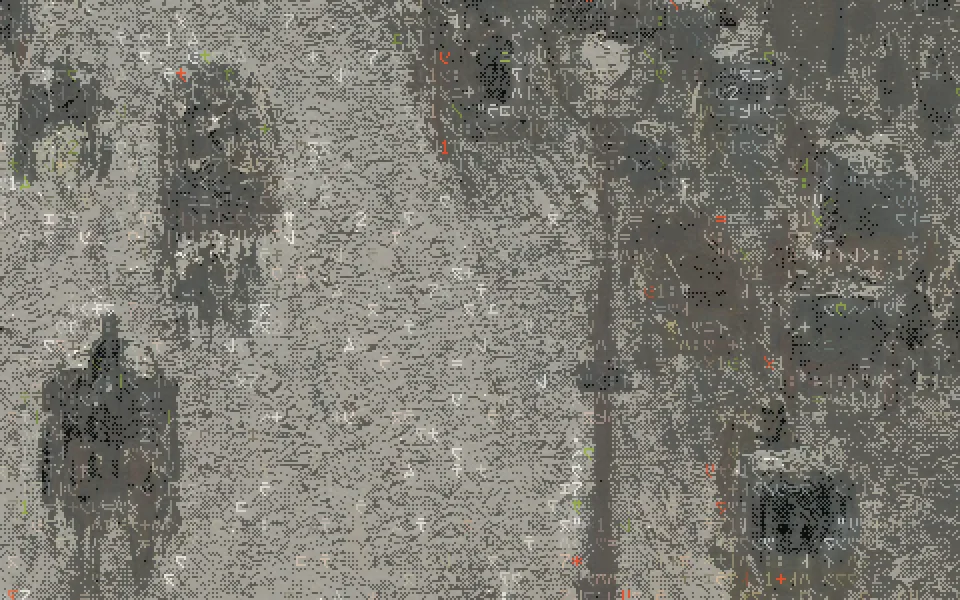
Off by default: the pictures are full colour. The painting pass renders one texel per dither dot and never touches the glyph passes.
The picture3
| Setting | Range | Default | Step | What it does |
|---|---|---|---|---|
| The picture's nametitle_card | on · off | on | The card in the corner naming the painting or photograph, who made it and when. | |
| Labels on the pictureregion_labels | on · off | on | The small labels some pictures carry on their parts. | |
| Change to the next picturechange_fade | 0.3 – 6 | 1.4 | 0.01 | How many seconds one picture takes to fade into the next. |
| Animated wallpaperenabled | on · off | Off hides the layer; the painting stays. |
|---|---|---|
| Frames a secondframes_per_second | 1 – 30 · 24 | The layer's own ceiling; the look's frame-rate cap sits under it. 24 on a 60 Hz panel is a steady 20 steps a second. |
| Pause on low batterypause_below_battery_percent | 0 – 100 · 30 | On battery at or under this, the glyphs hold still. |
Full, eased, held.
The layer runs on a hot 2018 Intel MacBook, so it watches the processor's own temperature and slows before the machine does. Warm halves the frames and the speed together; hot eases the motion to a stop.
The marks are the sensor's own: its maximum (100 °C on the laptop's coretemp Package) less 15 °C is “hot”. The temperature file is read every 5 s on the layer's own frame clock, so nothing is read while the layer is off. The layer also stops when locked, idle, switched off, or on battery at 30% or less.
The bench numbersbench.json
| Shaders | fps | GPU ms, mean | CPU ms a frame | Package |
|---|---|---|---|---|
| Light wave (now) | 20 | 3.43 · 1.59 | 0.29 · 0.34 | 63 · 68 °C |
| Light wave (now) | 30 | 3.72 · 1.81 | 0.80 · 0.67 | 63 · 63 °C |
| Before the wave | 20 | 3.63 · 1.65 | 0.62 · 0.64 | 64 · 63 °C |
| Before the wave | 30 | 4.15 · 1.73 | 0.78 · 0.68 | 72 · 70 °C |
| Painting only, no glyphs | 20 | 0.85 | 0.31 | — |
The wave and the glow add no measurable GPU time. The whole desktop shell — glyphs, bar, everything — used about 9–10% of one processor core at 20 fps on the installed build (offline wallpaper usage --json), most of it Qt and the compositor's per-frame work rather than the shaders, which is why the default stays at 24. The pointer parting measured the same within noise: 10.0–12.9% of a core, package 64–69 °C. offline-os docs/evidence/wallpaper/v4/README.md, v5/bench.json
Thirty-seven pictures, sorted by their own light.
Caravaggio for the dark theme; the Impressionists for the light one; seven national-park photographs across both. Whether a picture is dark or light is measured, not chosen.
Each cut's mean OKLab lightness is measured; the gallery splits at the middle of the widest gap that leaves each side at least two-fifths of the pictures (offline/liveart.py split_modes) — here at 0.462. Every picture's rights were checked at object level at its source: the Art Institute of Chicago, The Met, the Cleveland Museum of Art, or the licence field on Wikimedia Commons. Each is cut edge to edge to 2560 × 1600 round its subject, and faces were checked against the cut with Apple Vision: 35 clear, 2 with the crown of a head at the edge.
Dark theme
17 · lightness 0.161 – 0.446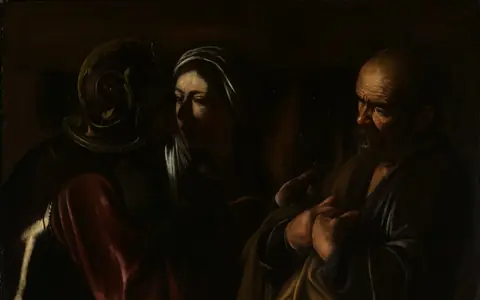
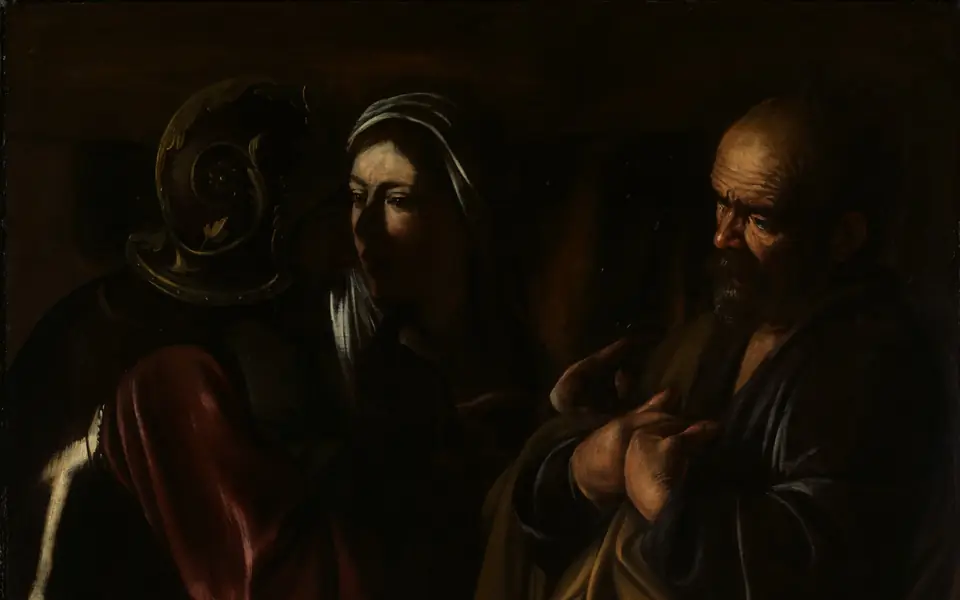
The Denial of Saint PeterCaravaggio (Michelangelo Merisi) · 1610The Metropolitan Museum of ArtL 0.161 · Public Domain (CC0) 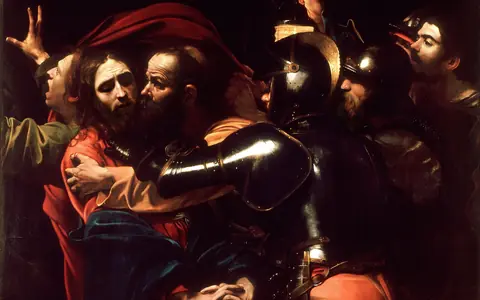
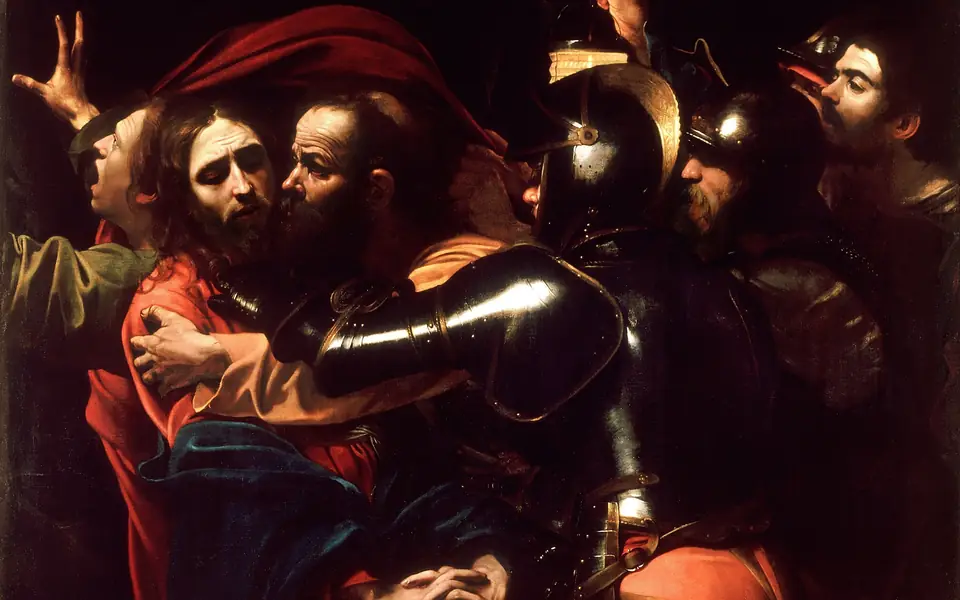
The Taking of ChristCaravaggio · 1602National Gallery of Ireland, DublinL 0.249 · Public domain 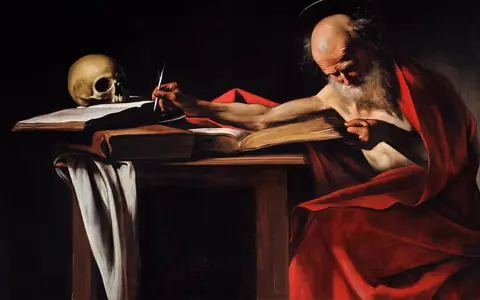
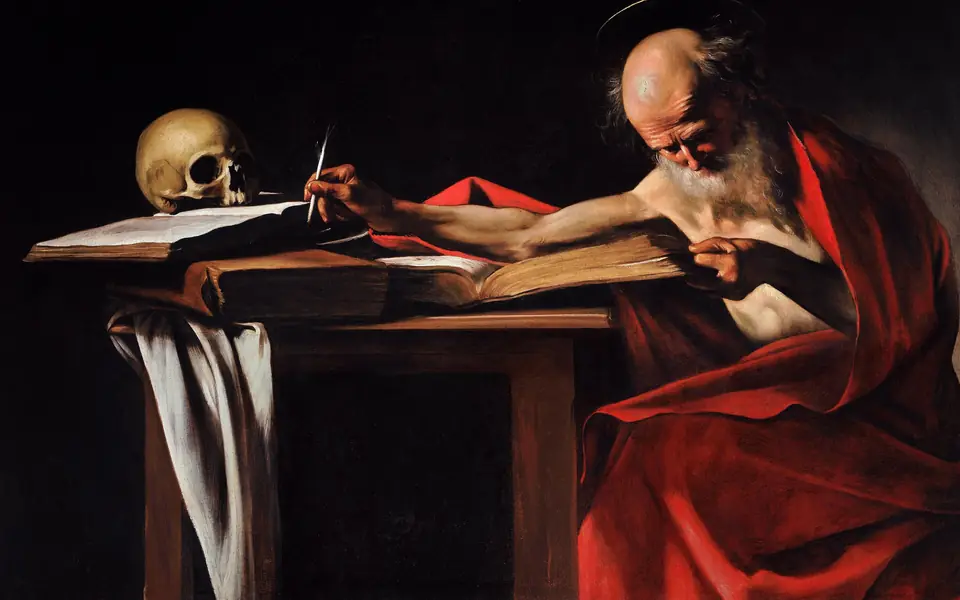
Saint Jerome WritingCaravaggio · c. 1605–06Galleria Borghese, RomeL 0.255 · Public domain 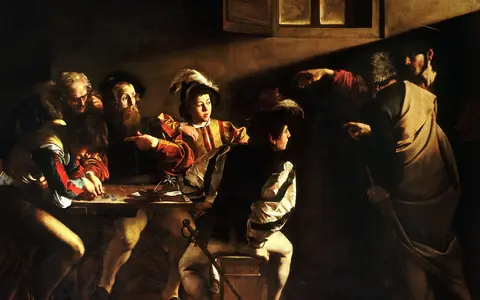
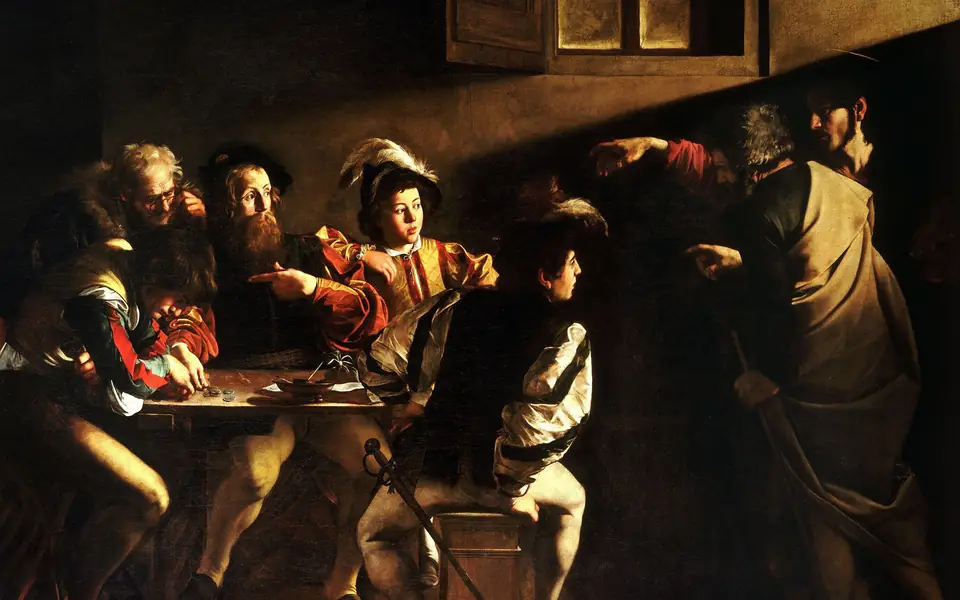
The Calling of Saint MatthewCaravaggio · 1599–1600San Luigi dei Francesi, RomeL 0.262 · Public domain 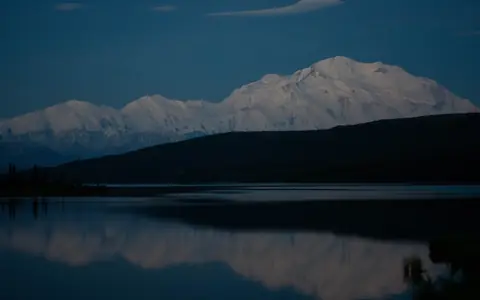
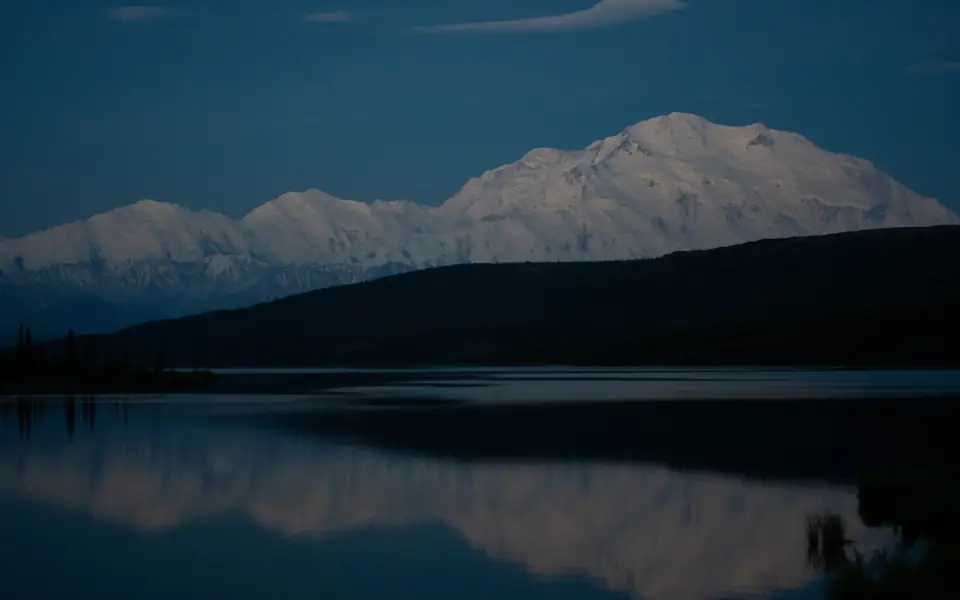
Denali from Wonder Lake, Before SunriseMary Lewandowski, National Park Service · 2018Denali National Park and PreserveL 0.297 · Public domain 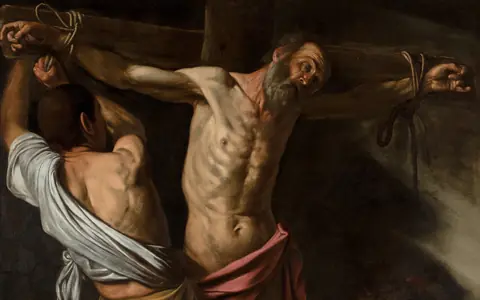
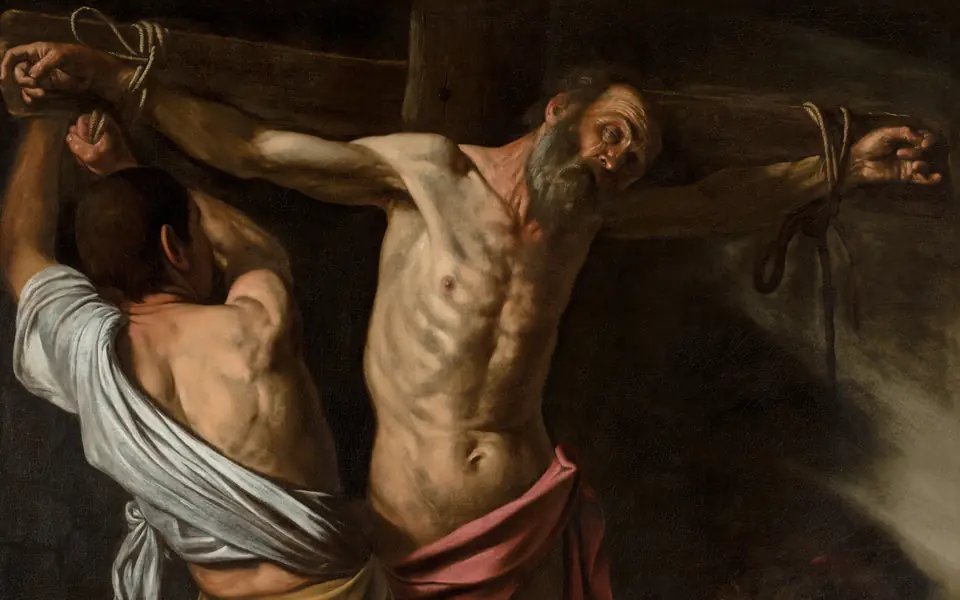
The Crucifixion of Saint AndrewCaravaggio (Michelangelo Merisi) · 1606–7The Cleveland Museum of ArtL 0.309 · Public Domain (CC0) 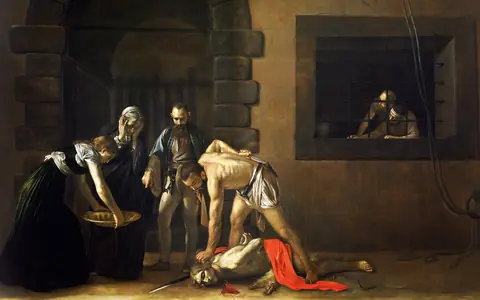
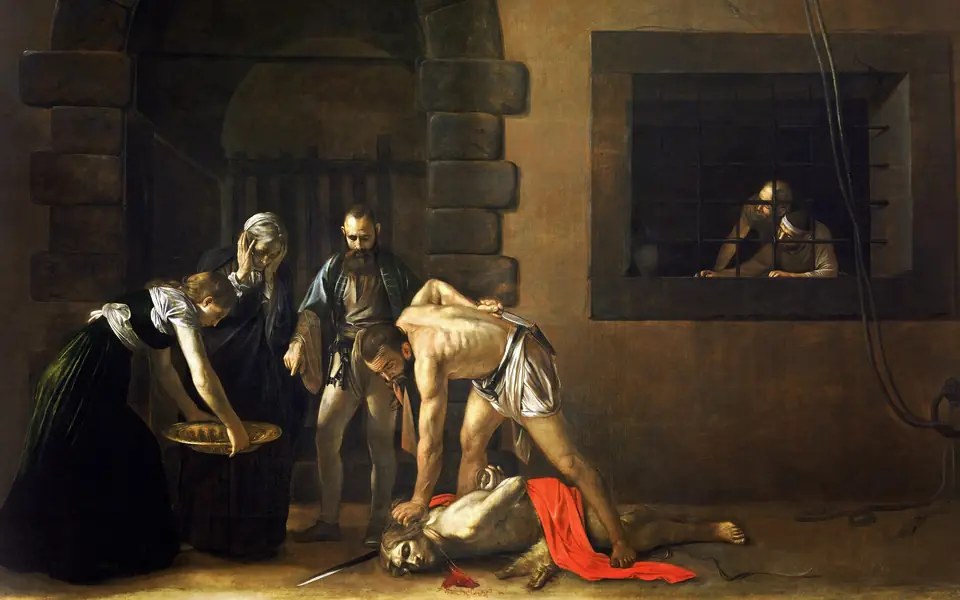
The Beheading of Saint John the BaptistCaravaggio · 1608St John's Co-Cathedral, VallettaL 0.319 · Public domain 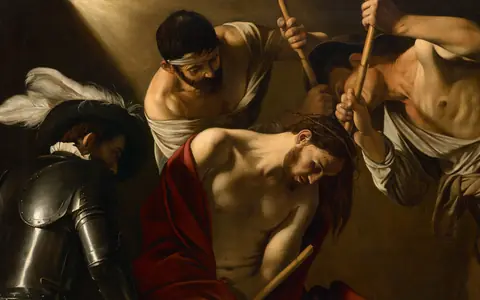
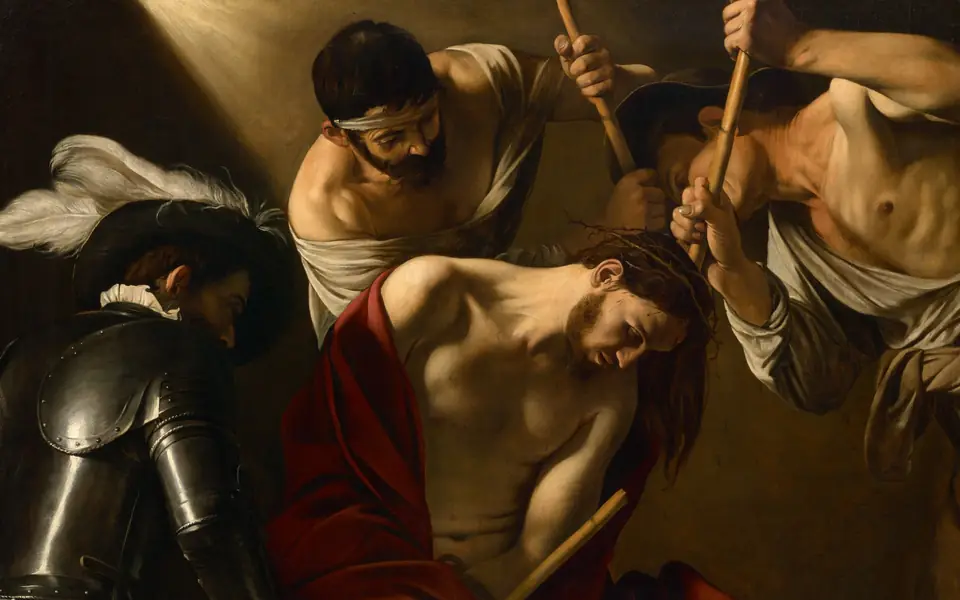
The Crowning with ThornsCaravaggio · c. 1602–04Kunsthistorisches Museum, ViennaL 0.319 · Public domain 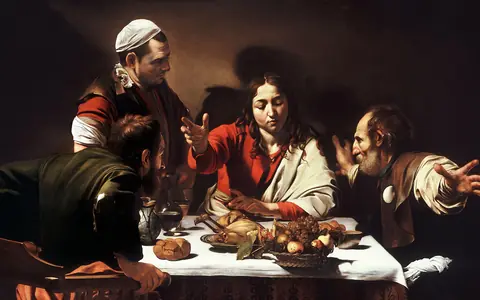
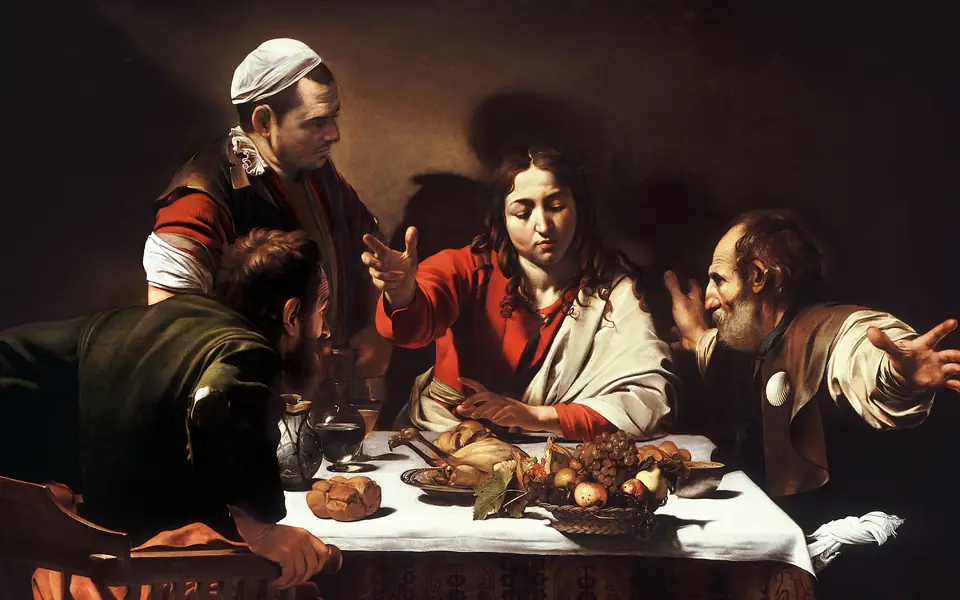
Supper at EmmausCaravaggio · 1601The National Gallery, LondonL 0.323 · Public domain 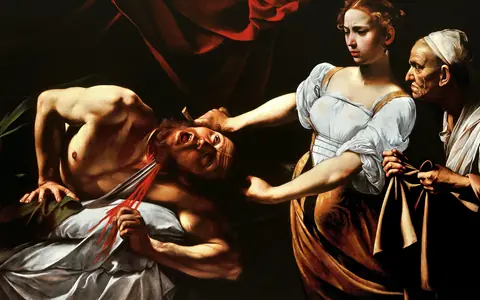
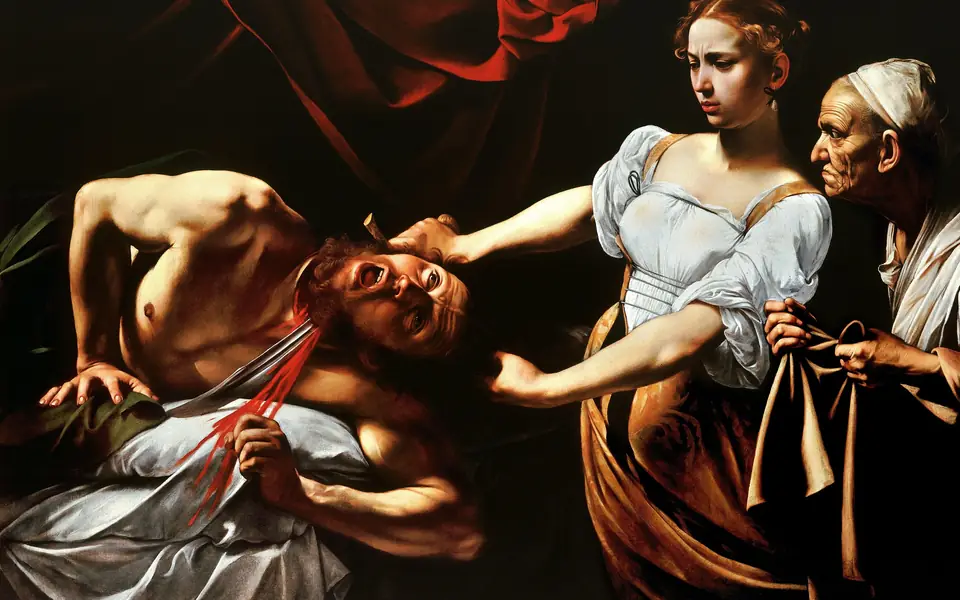
Judith Beheading HolofernesCaravaggio · c. 1598–99Galleria Nazionale d'Arte Antica, RomeL 0.329 · Public domain 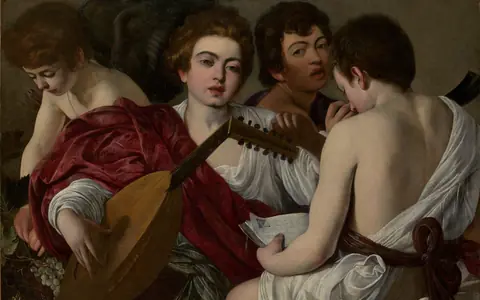
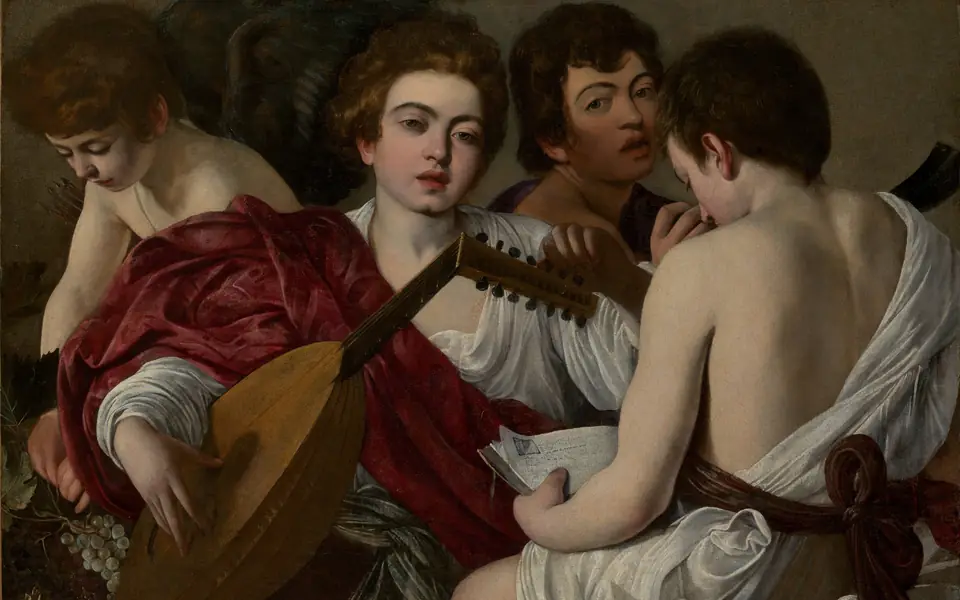
The MusiciansCaravaggio (Michelangelo Merisi) · 1597The Metropolitan Museum of ArtL 0.344 · Public Domain (CC0) 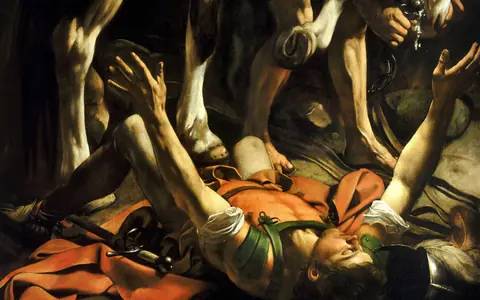
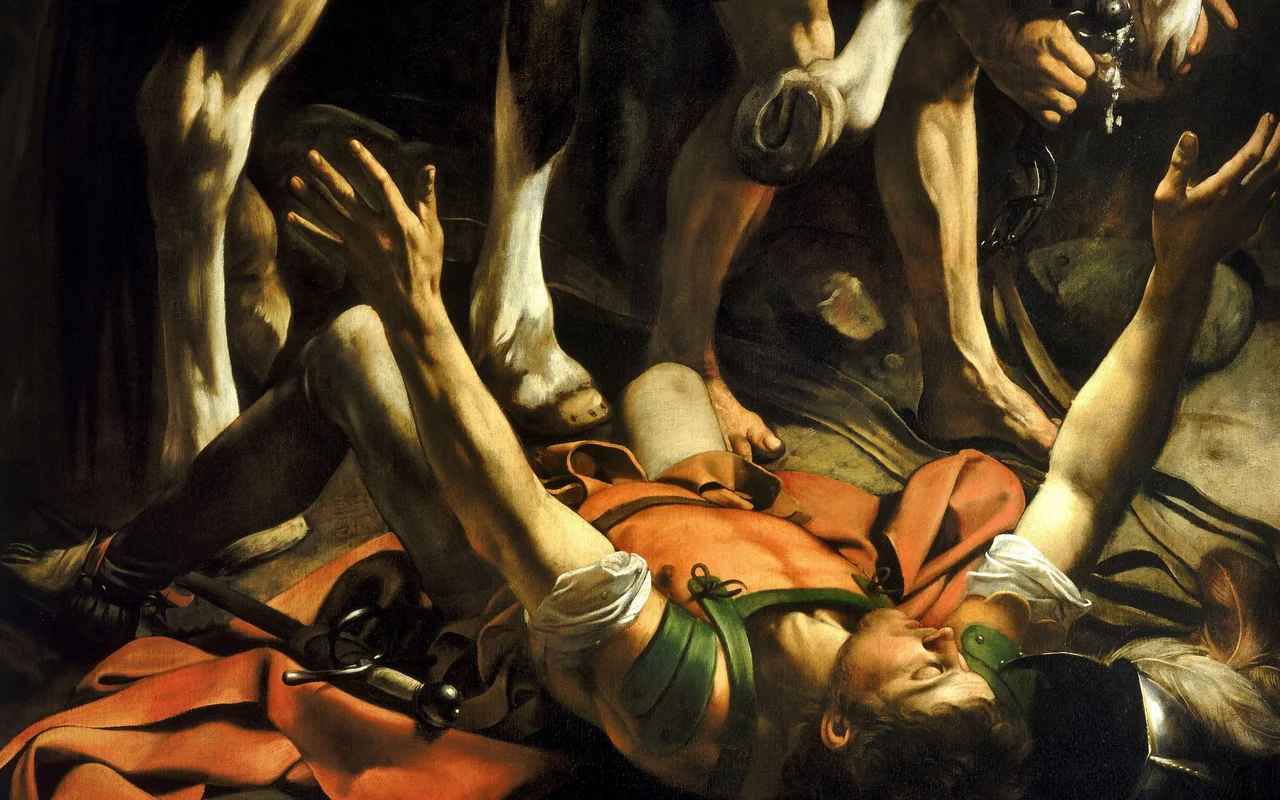
The Conversion of Saint PaulCaravaggio · 1601Santa Maria del Popolo, RomeL 0.349 · Public domain 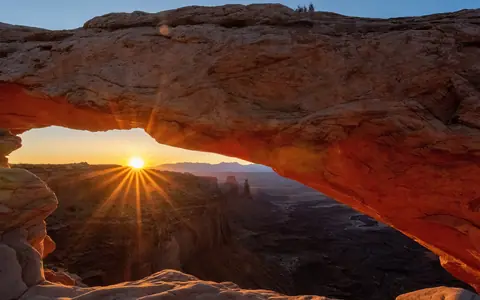
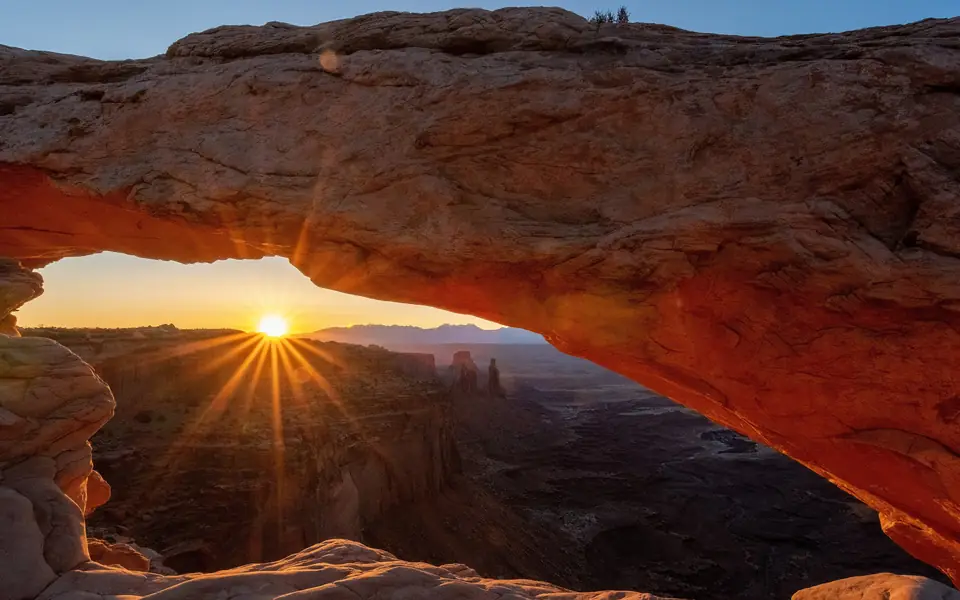
Mesa Arch at SunriseNational Park Service · 2020Canyonlands National ParkL 0.363 · Public domain 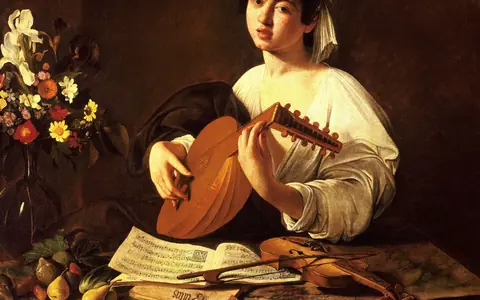
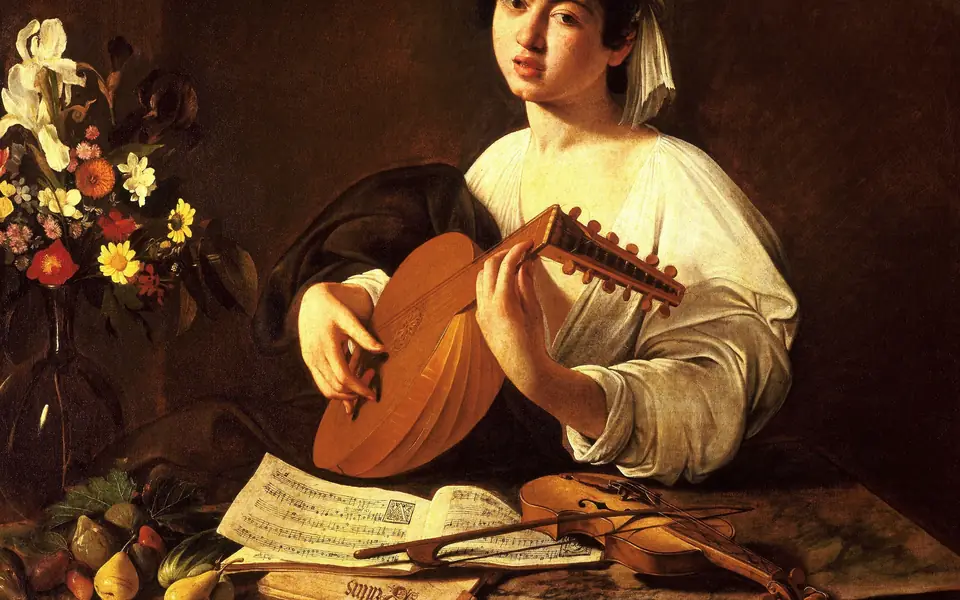
The Lute PlayerCaravaggio · c. 1596The State Hermitage Museum, Saint PetersburgL 0.381 · Public domain 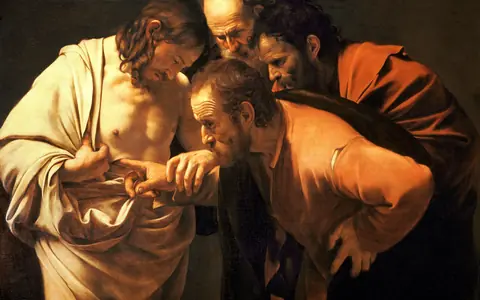
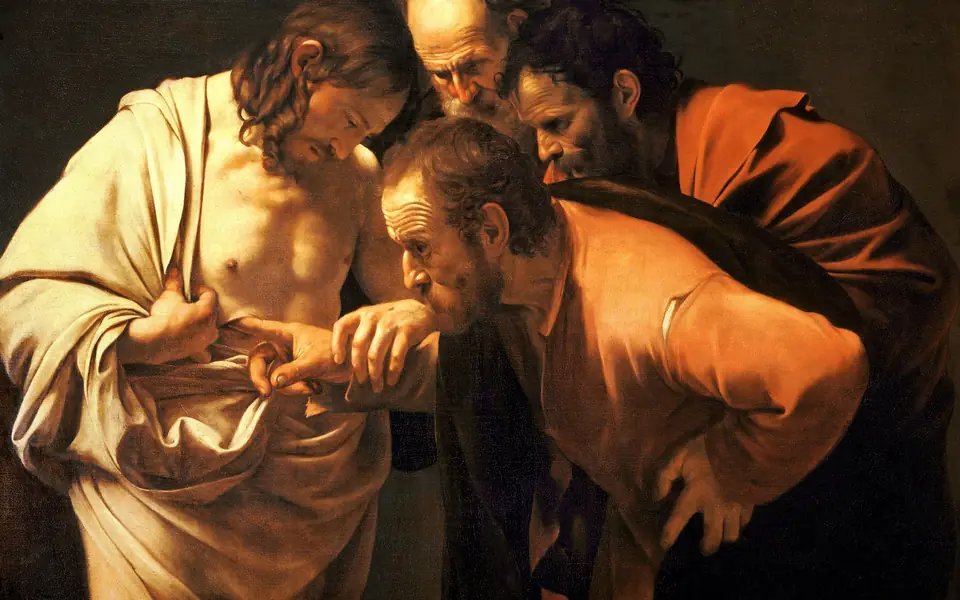
The Incredulity of Saint ThomasCaravaggio · 1601–02Sanssouci Picture Gallery, PotsdamL 0.397 · Public domain 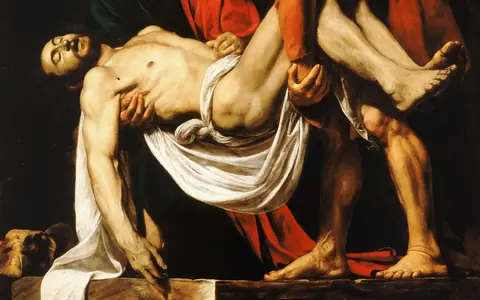
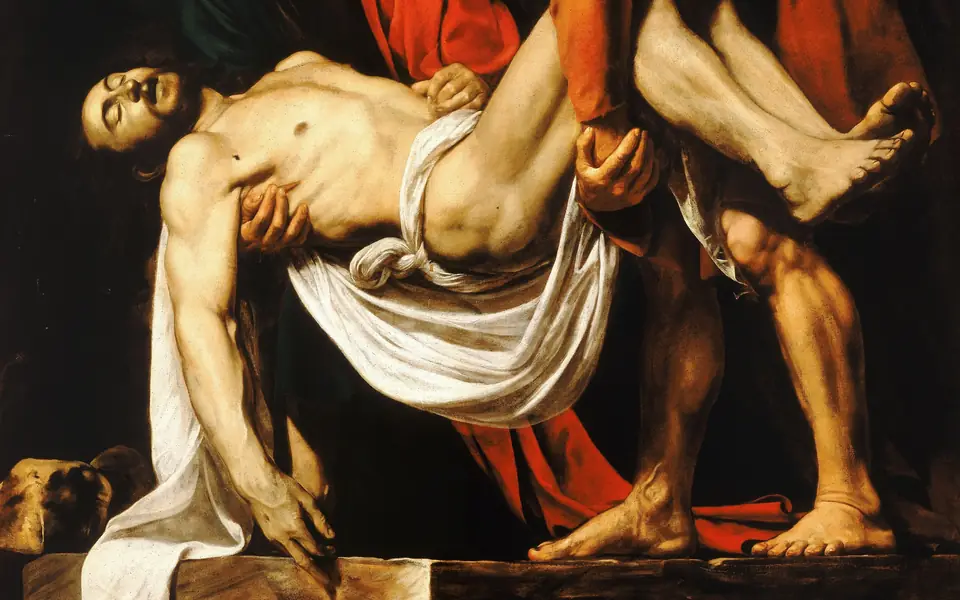
The Entombment of ChristCaravaggio · 1603–04Pinacoteca Vaticana, Vatican CityL 0.430 · Public domain 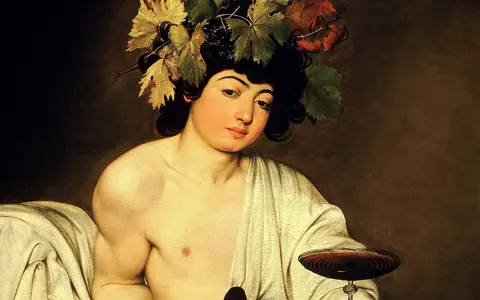
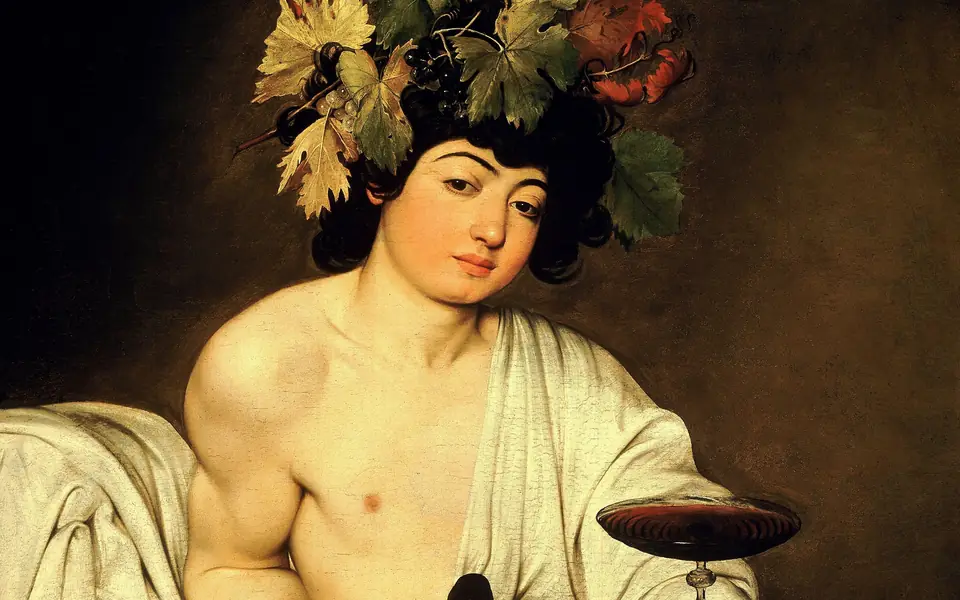
BacchusCaravaggio · c. 1596–98Uffizi Gallery, FlorenceL 0.446 · Public domain
Light theme
20 · lightness 0.478 – 0.732
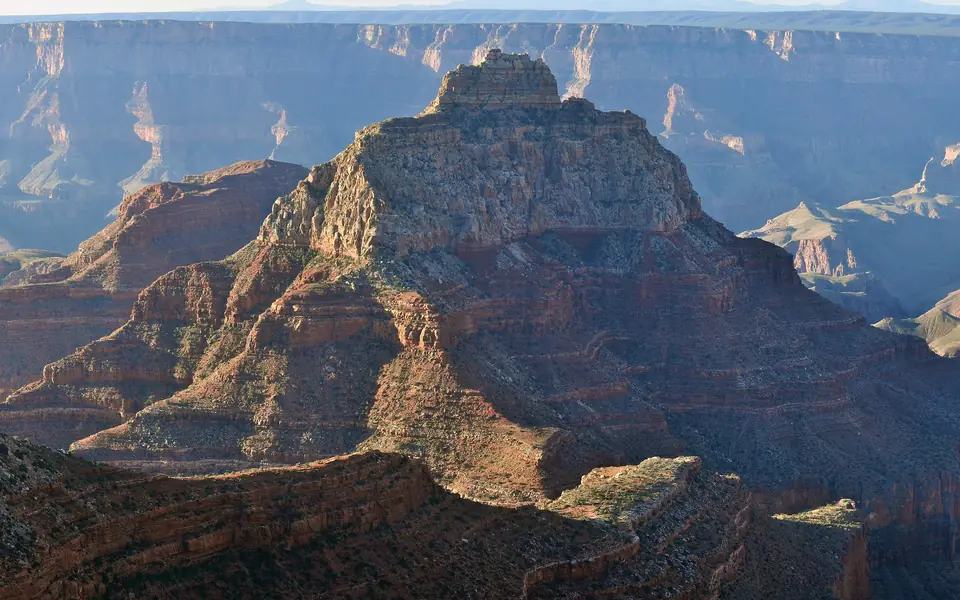
Vishnu Temple from the North RimNational Park Service · 2010Grand Canyon National ParkL 0.478 · Public domain 
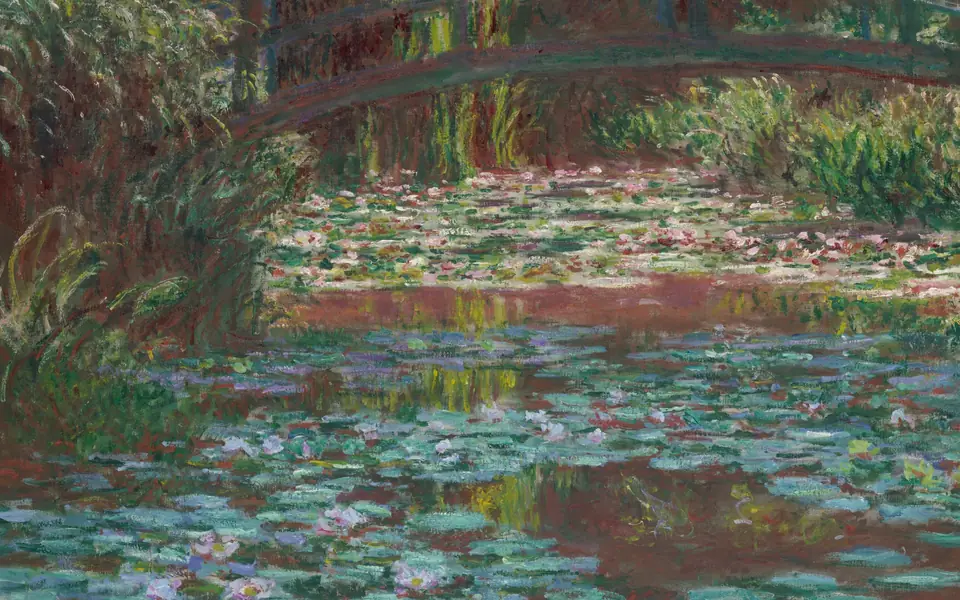
Water Lily PondClaude Monet · 1900Art Institute of ChicagoL 0.490 · Public Domain (CC0) 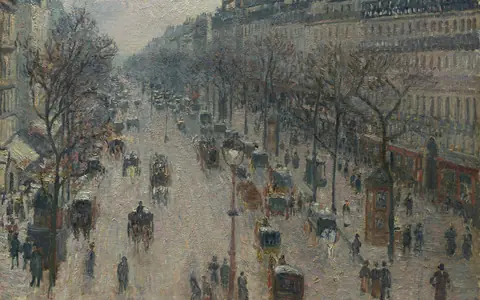
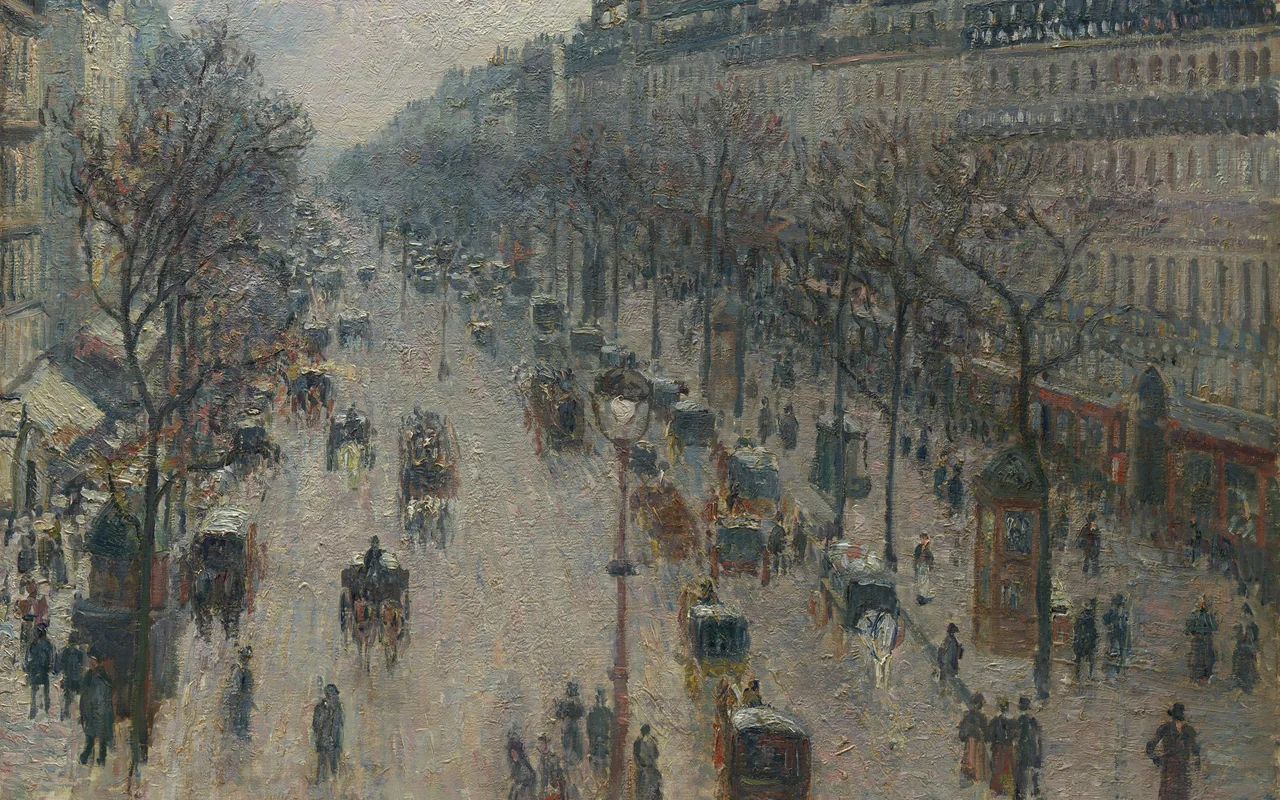
The Boulevard Montmartre on a Winter MorningCamille Pissarro · 1897The Metropolitan Museum of ArtL 0.507 · Public Domain (CC0) 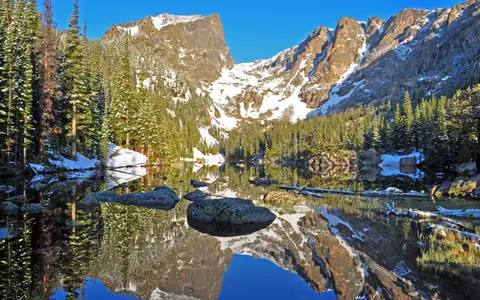
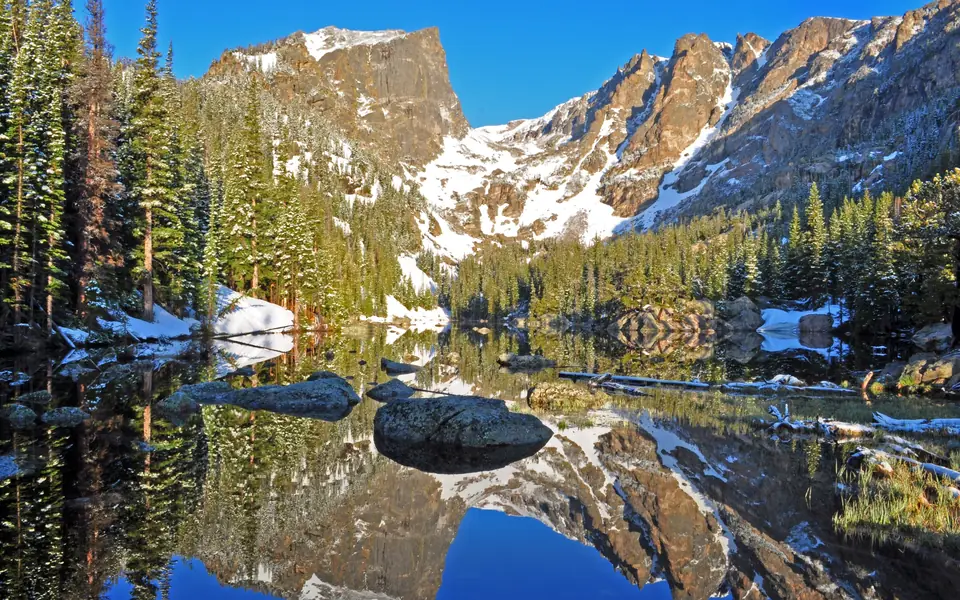
Hallett Peak Reflected in Dream LakeNational Park Service · 2015Rocky Mountain National ParkL 0.526 · Public domain 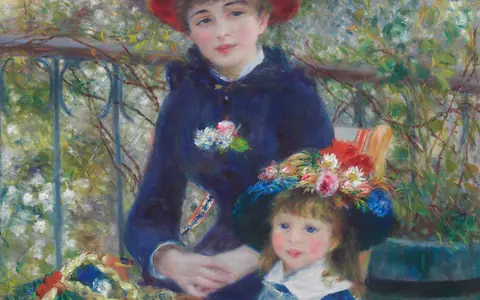
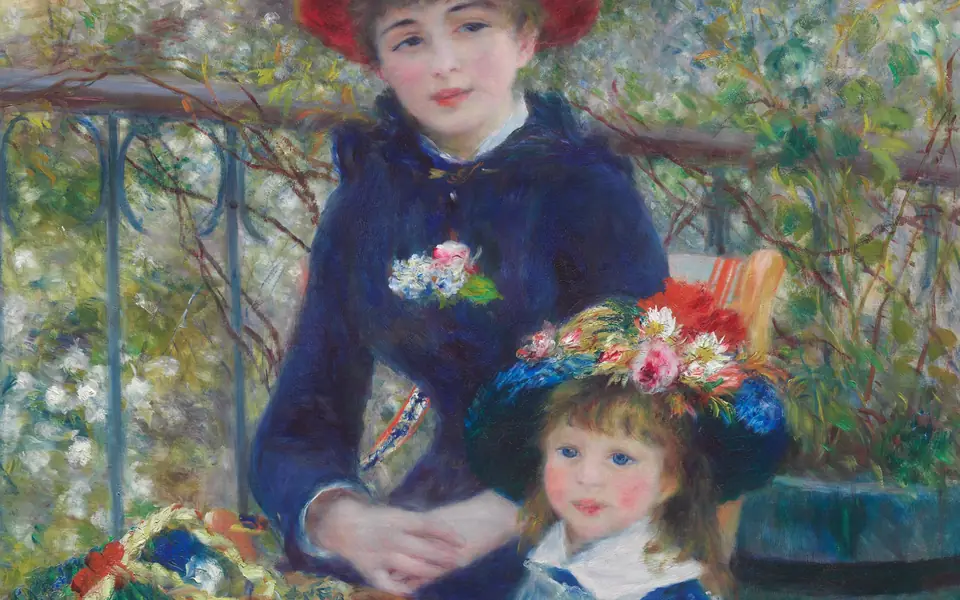
Two Sisters (On the Terrace)Pierre-Auguste Renoir · 1881Art Institute of ChicagoL 0.529 · Public Domain (CC0) 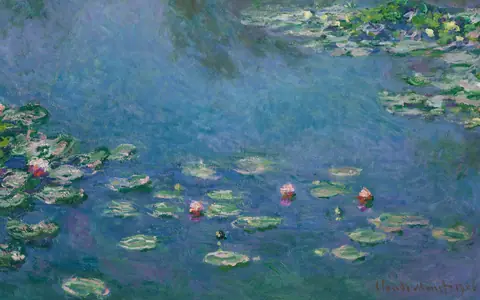
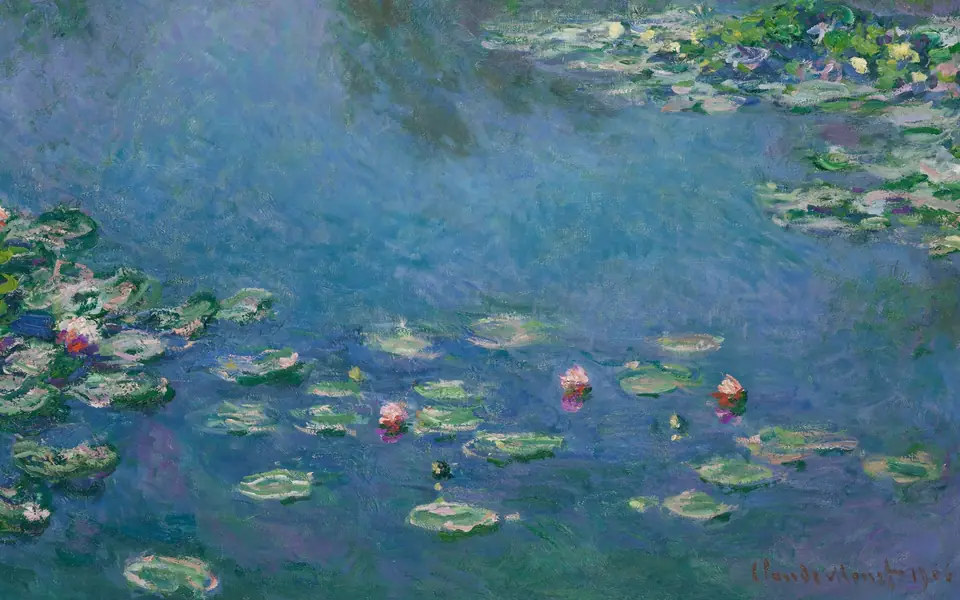
Water LiliesClaude Monet · 1906Art Institute of ChicagoL 0.531 · Public Domain (CC0) 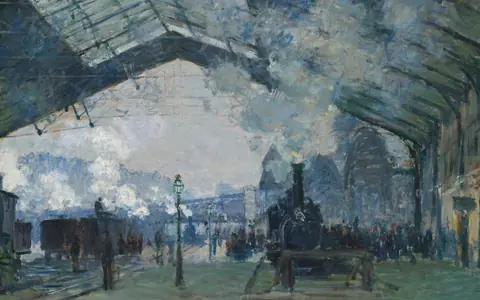
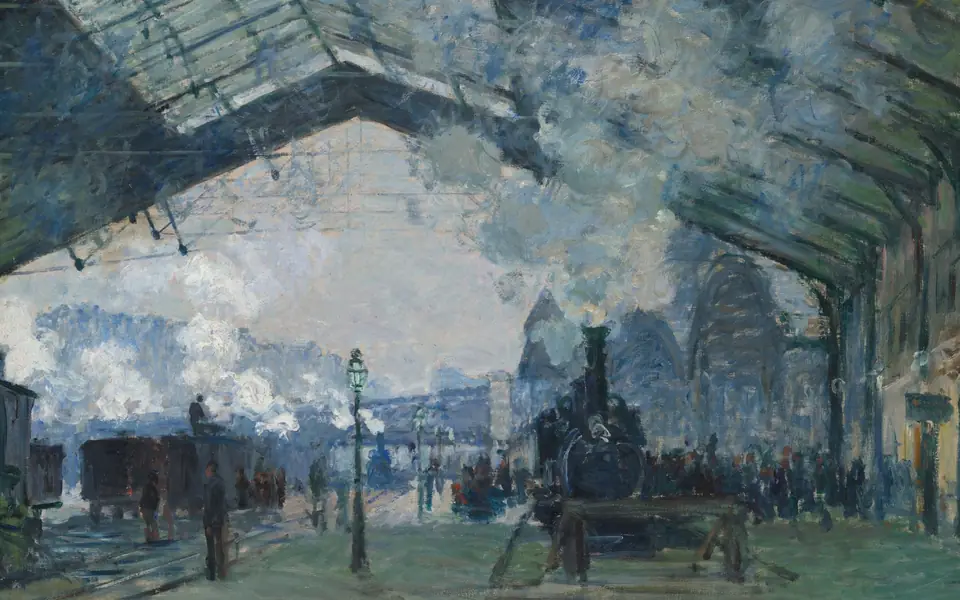
Arrival of the Normandy Train, Gare Saint-LazareClaude Monet · 1877Art Institute of ChicagoL 0.532 · Public Domain (CC0) 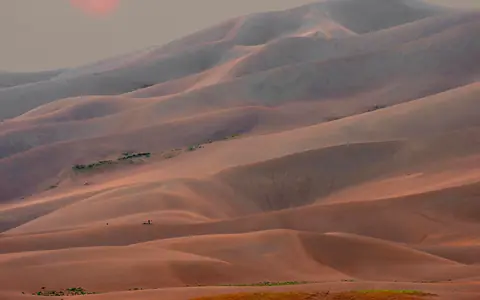
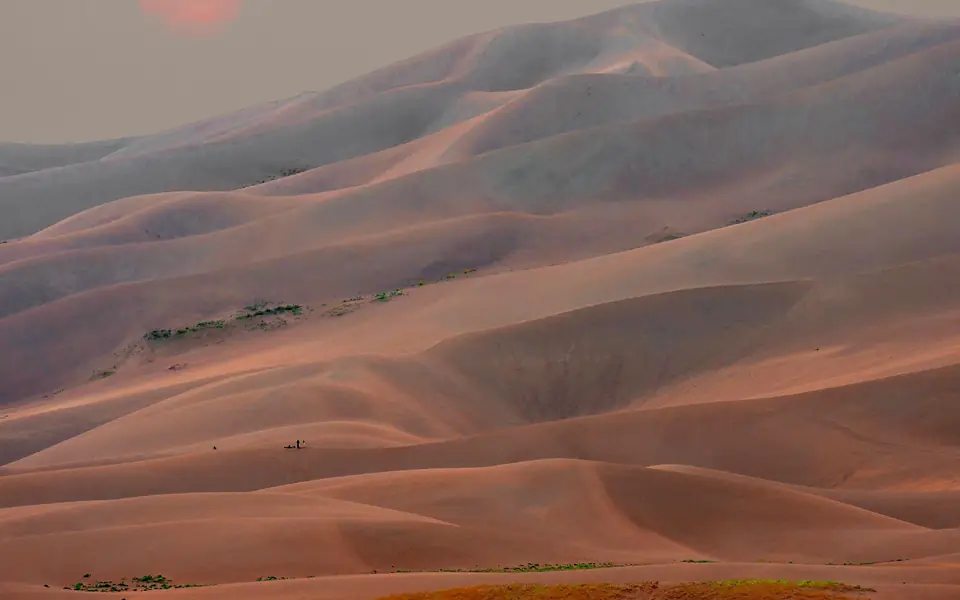
Smoky Sunset over the DunesNational Park Service · 2017Great Sand Dunes National ParkL 0.534 · Public domain 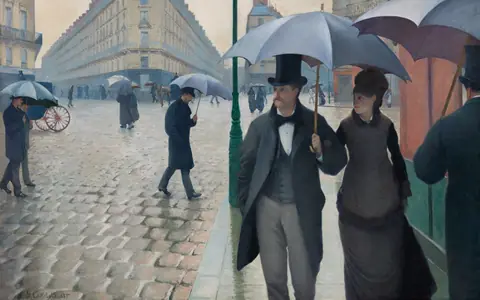
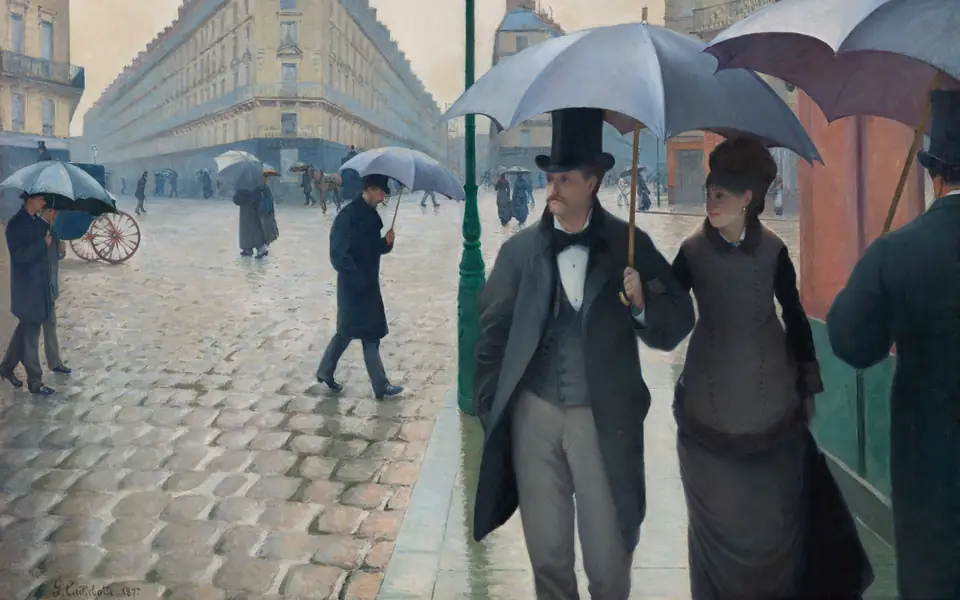
Paris Street; Rainy DayGustave Caillebotte · 1877Art Institute of ChicagoL 0.541 · Public Domain (CC0) 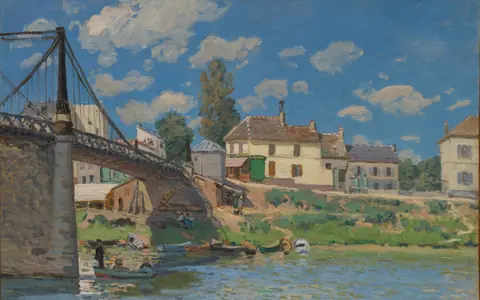
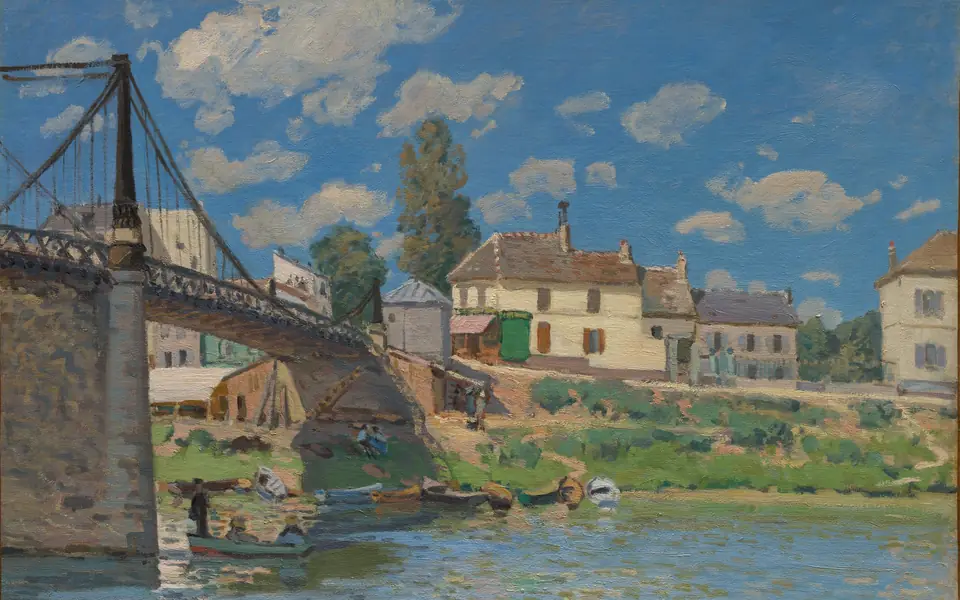
The Bridge at Villeneuve-la-GarenneAlfred Sisley · 1872The Metropolitan Museum of ArtL 0.545 · Public Domain (CC0) 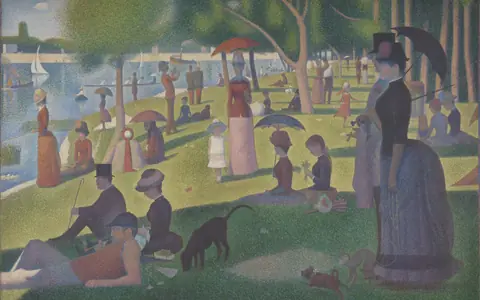
A Sunday on La Grande Jatte — 1884Georges Seurat · 1884–86, border added 1888–89Art Institute of ChicagoL 0.551 · Public Domain (CC0) 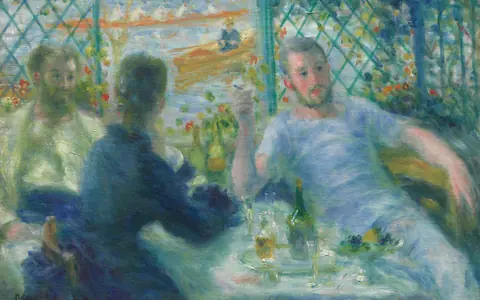
Lunch at the Restaurant Fournaise (The Rowers' Lunch)Pierre-Auguste Renoir · 1875Art Institute of ChicagoL 0.590 · Public Domain (CC0) 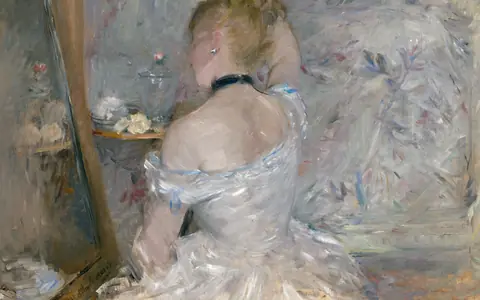
Woman at Her ToiletteBerthe Morisot · 1875–80Art Institute of ChicagoL 0.626 · Public Domain (CC0) 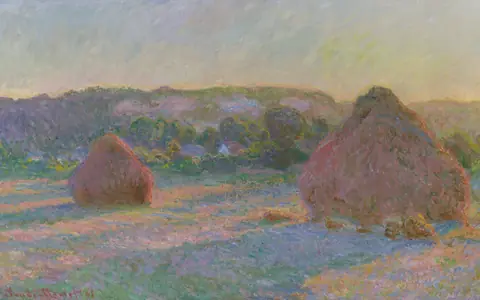
Stacks of Wheat (End of Summer)Claude Monet · 1890–91Art Institute of ChicagoL 0.627 · Public Domain (CC0) 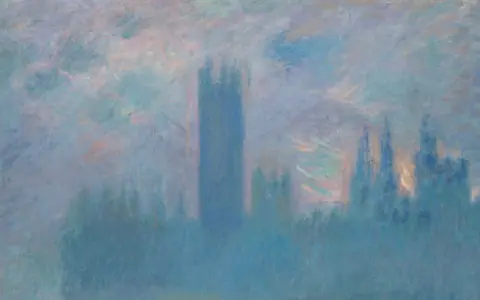
Houses of Parliament, LondonClaude Monet · 1900–1Art Institute of ChicagoL 0.638 · Public Domain (CC0) 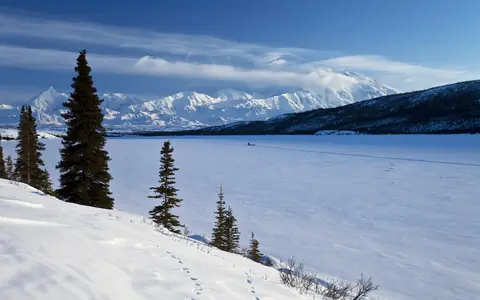
Denali and Wonder Lake in WinterNational Park Service · 2012Denali National Park and PreserveL 0.643 · Public domain 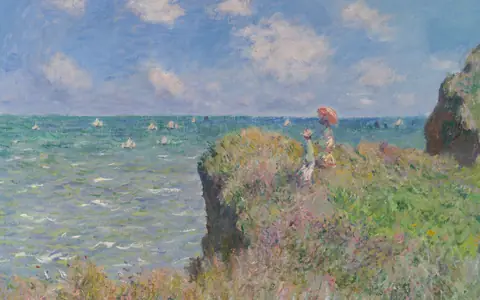
Cliff Walk at PourvilleClaude Monet · 1882Art Institute of ChicagoL 0.647 · Public Domain (CC0) 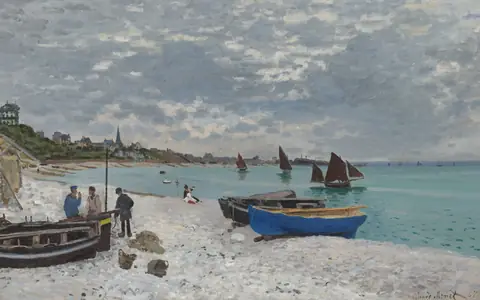
The Beach at Sainte-AdresseClaude Monet · 1867Art Institute of ChicagoL 0.649 · Public Domain (CC0) 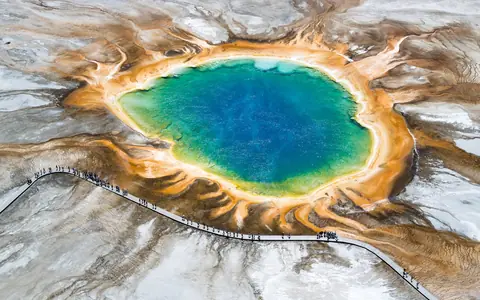
Grand Prismatic Spring from AboveNational Park Service · 2025Yellowstone National ParkL 0.707 · Public domain 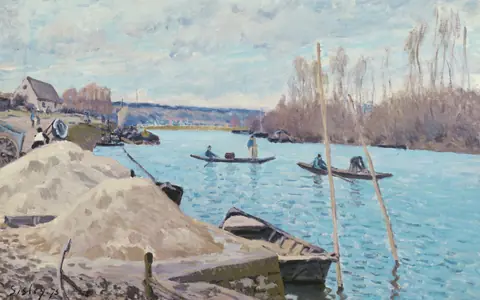
The Seine at Port-Marly, Piles of SandAlfred Sisley · 1875Art Institute of ChicagoL 0.732 · Public Domain (CC0)
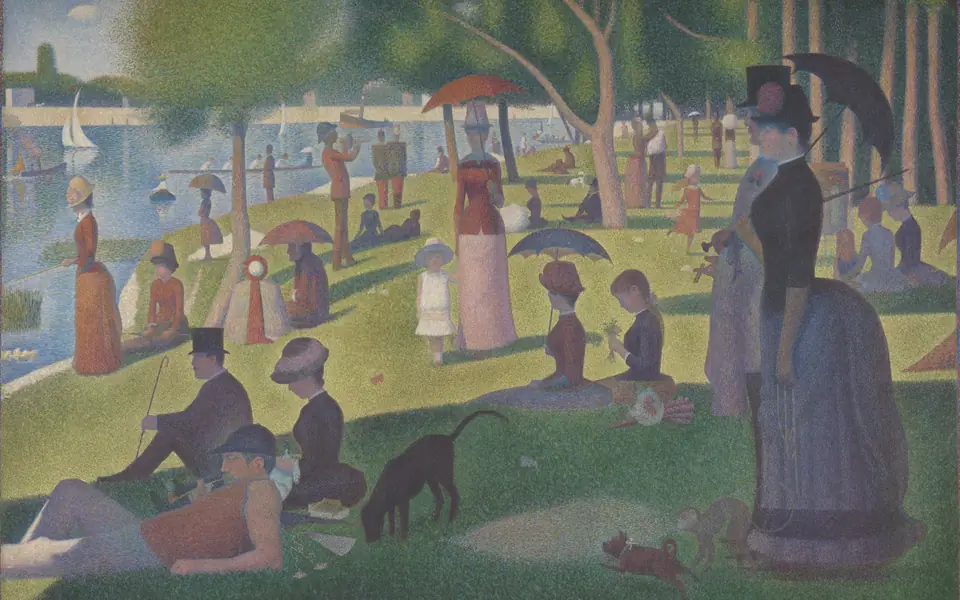
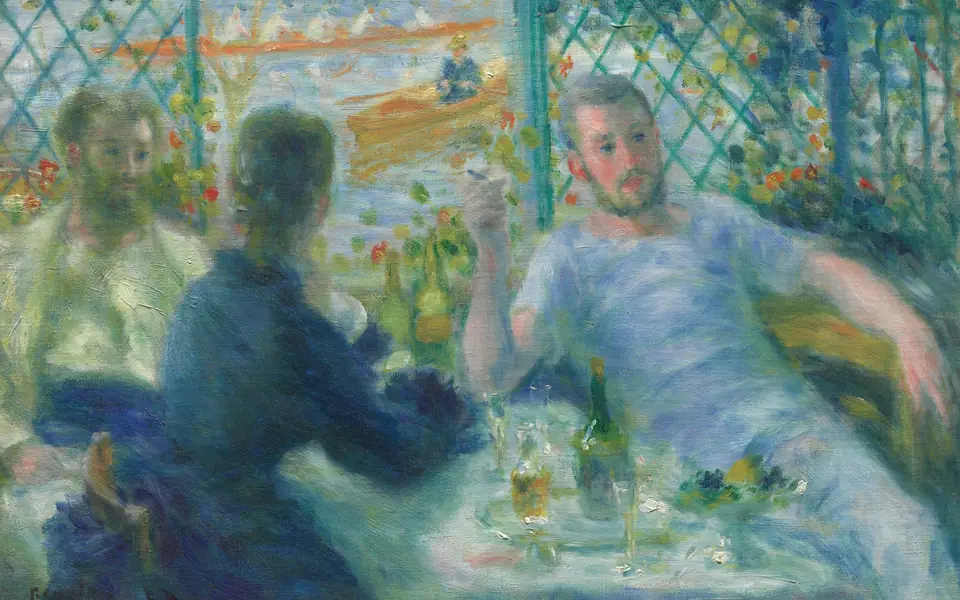
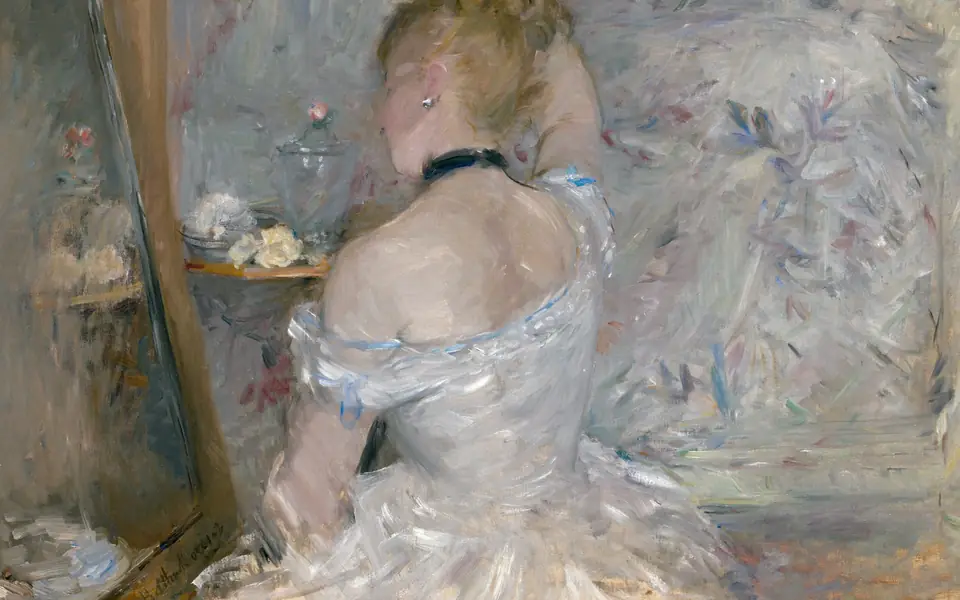
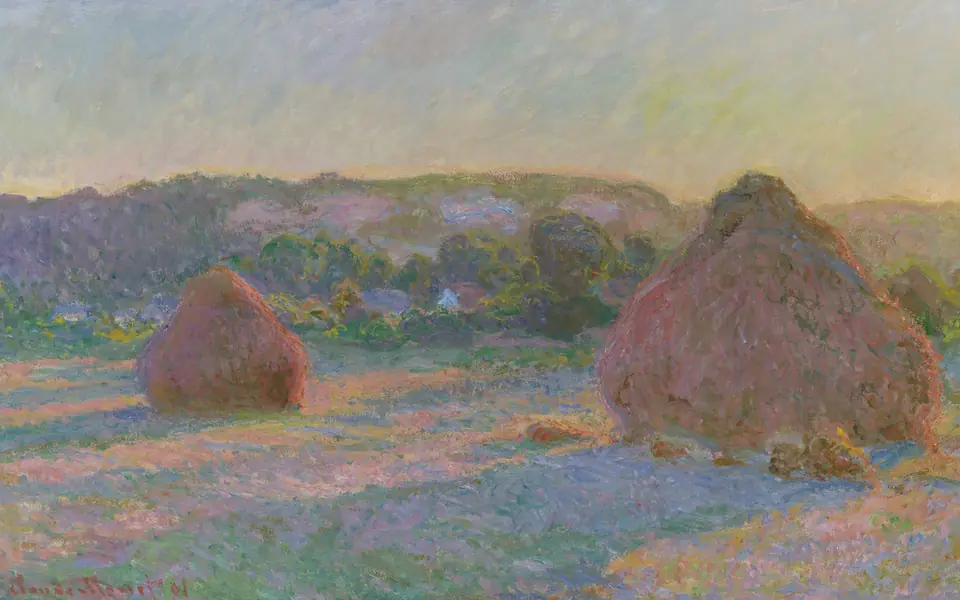
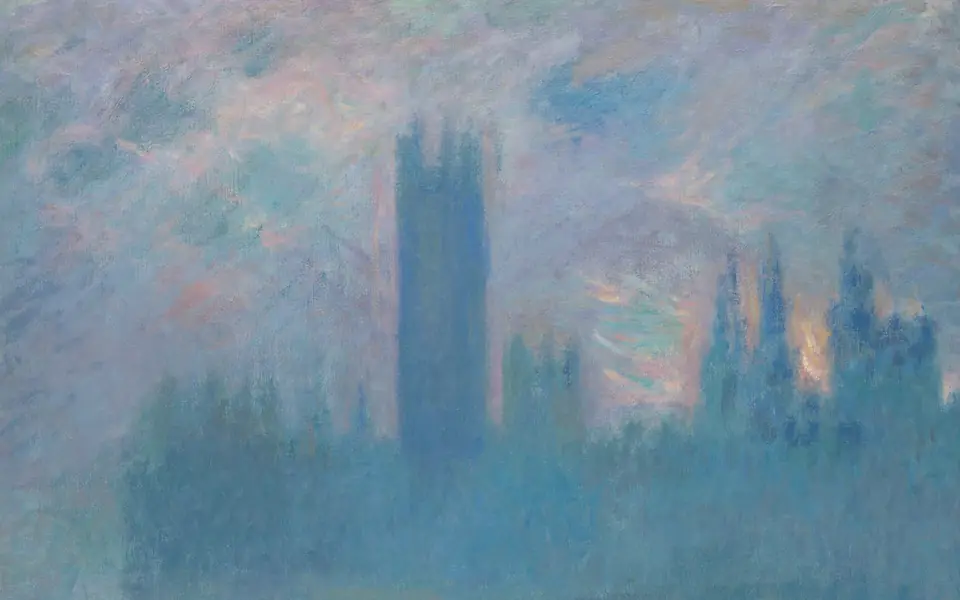
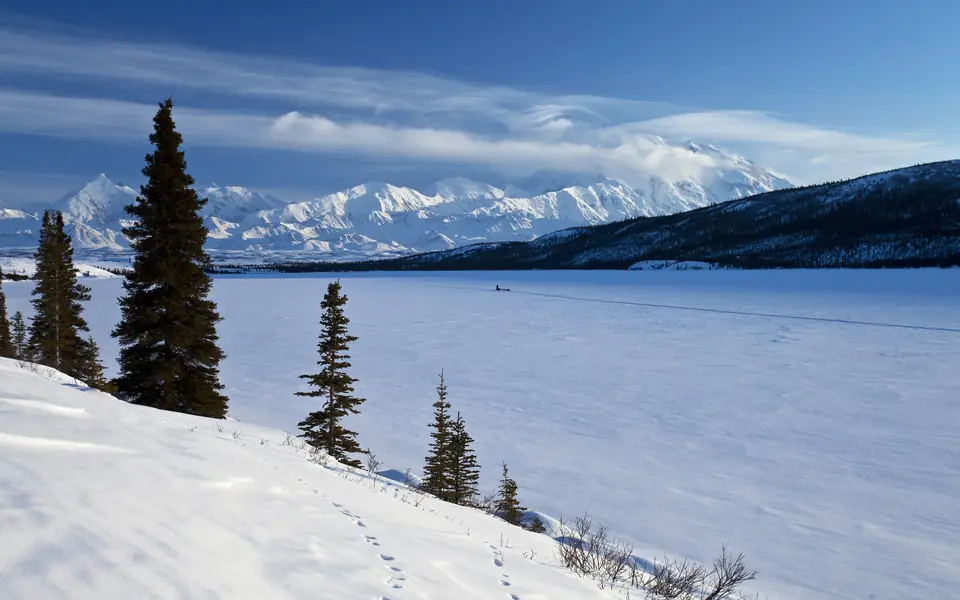
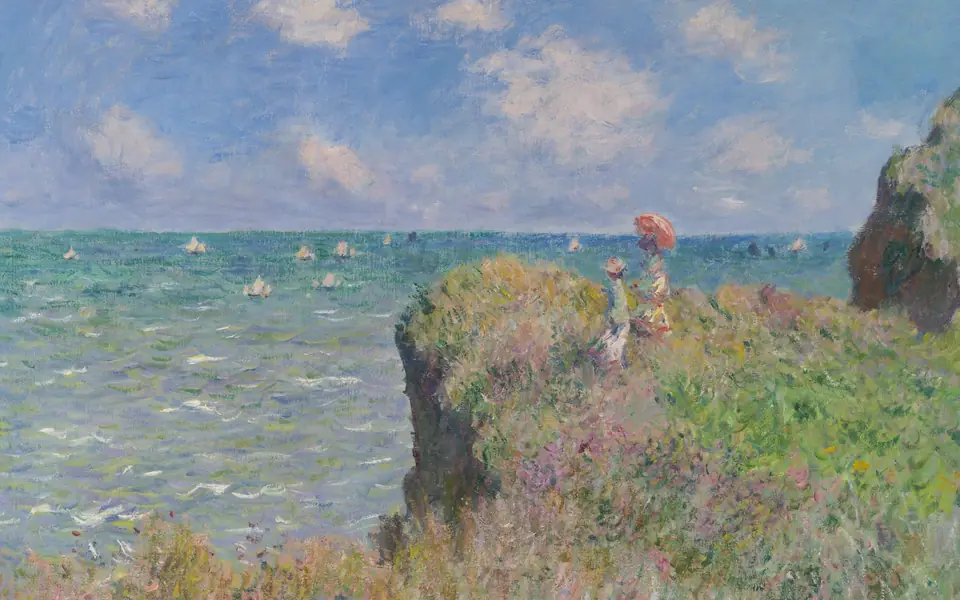
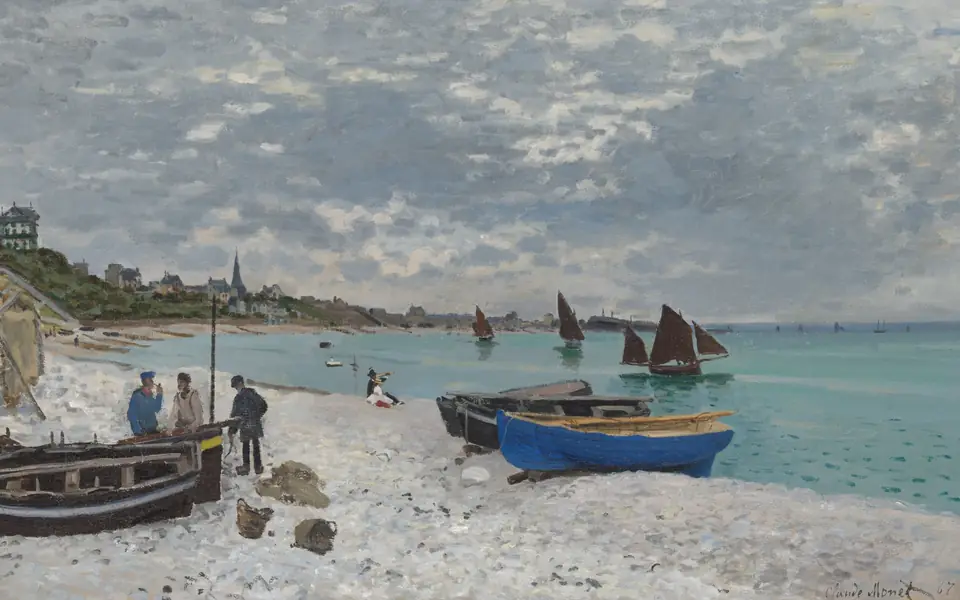
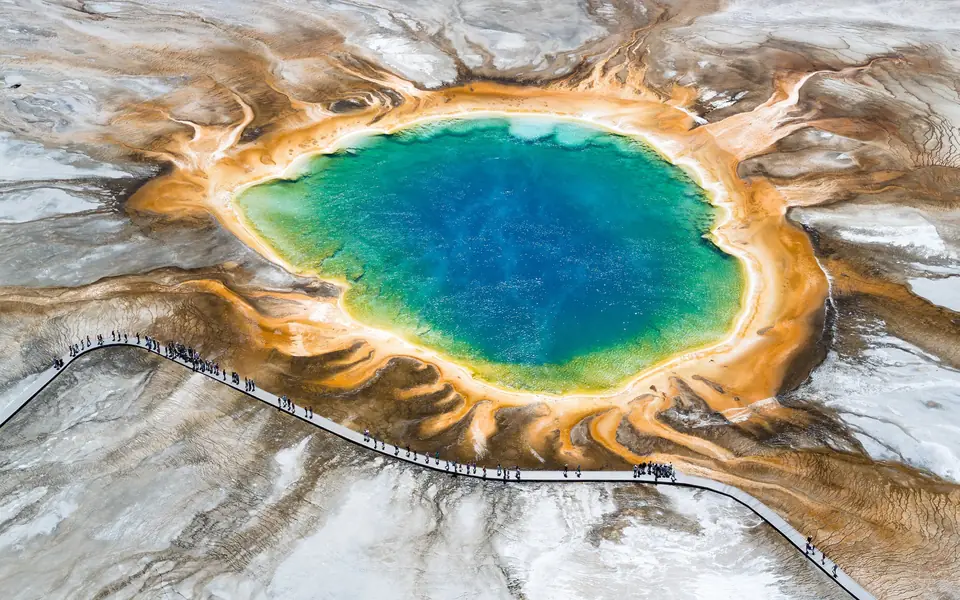
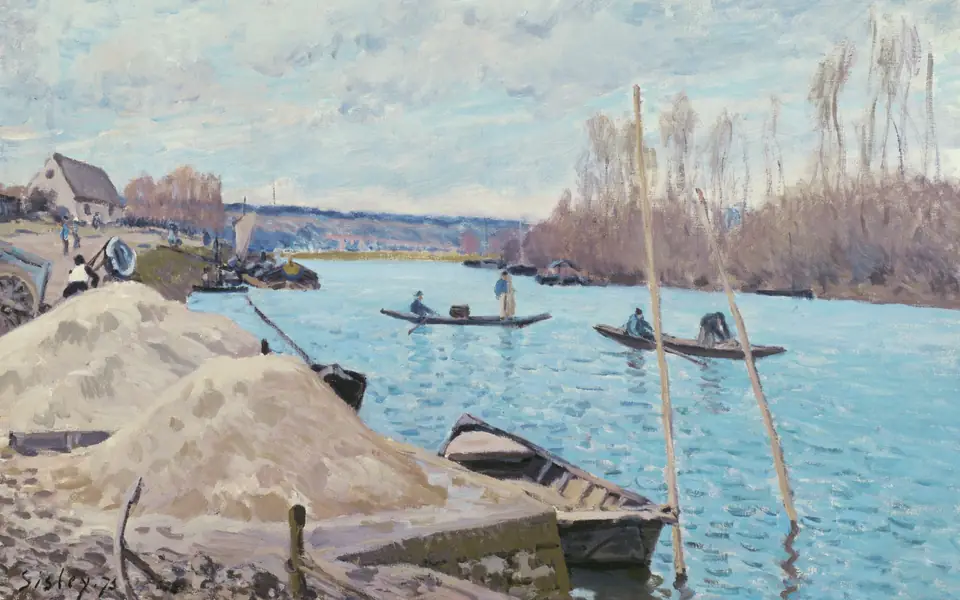


Thumbnails link to a 960-wide copy of each cut. Full records, with object ids and rights: assets/wallpaper/manifest.json.
The real wallpaper is the preview.
Settings › Wallpaper effect, or SUPER + ALT + W. A panel slides in beside the live desktop; every slider moves the wallpaper while the hand moves, and Cancel puts everything back.
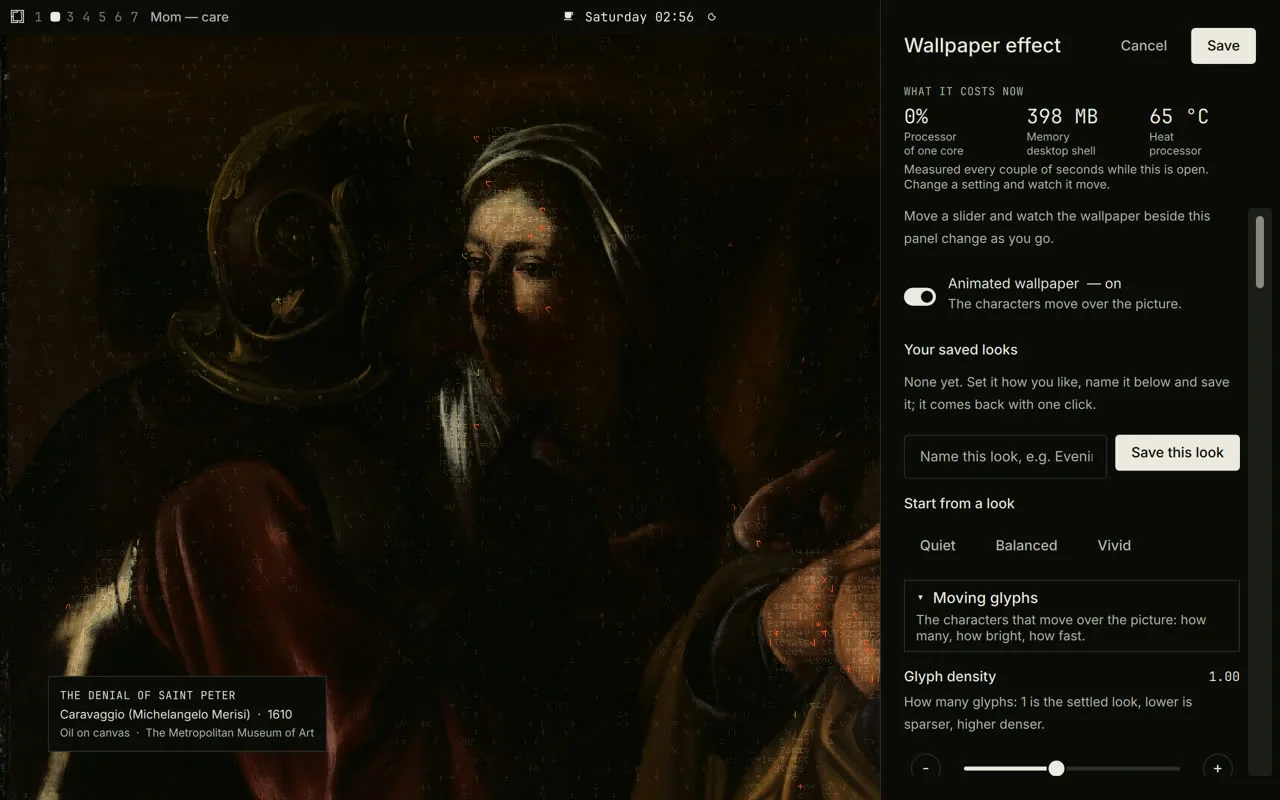
Screenshot of the laptop, 2026-09-26 02:56. Caravaggio, The Denial of Saint Peter, 1610, The Met, CC0.
| What it costs now | The desktop shell's share of one core, its memory and the processor's temperature, measured every couple of seconds while the panel is open — so a slider's cost is visible as it moves. When the layer is held for heat, it says so and says when it will resume. |
|---|---|
| Cancel · Save | Opening keeps a snapshot of the look and the switch. Cancel writes it back; Save keeps what is on screen. If the effect was off, it is turned on for the preview and turned back off on Cancel. |
| Start from a look | Quiet, Balanced, Vivid — several settings at once, each tunable after. |
| Your saved looks | Name the look on screen (“Evening”, “Quiet desk”) and it comes back with one click; a saved look is re-bounded when worn, never trusted. |
| Defaults | Set as my default · Reset to my default · Factory settings. |
| Change picture | How often the wallpaper moves on, as the macOS menu offers it, and Next picture now. |
| Two sections | Moving glyphs, and Painting colour & dither, each opened and closed on its own; each row is a label, a line of plain words, the value and a slider or a choice. Targets are 44 px. |
What packaging it for other computers would take
Noted only; nothing here is built. The shaders already run off the laptop — every render on this page came from them on a Mac, through Qt's Metal backend, and the demo above is them in a browser. What is Omarchy-specific is the host around them.
- A place on the desktop. Omarchy gives the layer a Wayland layer-shell surface under every window. macOS has none: it needs a borderless window at desktop level that ignores clicks, one per screen, or a wallpaper or screen-saver host.
- Heat, battery, idle and lock. Read from /sys/class/hwmon, UPower and the shell's own services today. macOS would use its thermal-state notifications, IOKit power sources and session notifications.
- Watching for changes. inotifywait today; FSEvents on macOS.
- The reading and the gallery. wallpaper_map.py and the gallery tools are plain Python, and portable as they are.
- The pointer. The layer hears the pointer only over the bare desktop; a desktop-level window on macOS gets the same with no special permission, but it must pass clicks through.
- Proof before shipping. The same placement and bench measurements this page quotes, on each target.
Every image on this page is a public-domain work or a render of one, recorded in assets/wallpaper/manifest.json with its source, rights and, for renders, the shaders and settings it was drawn with.
Renders: offline-os lane-c 8af08e48, drawn offscreen by tools/wallpaper/render.py on the M4 Mac (PySide6 6.10, Metal), never on the laptop's screen. Screenshots: the laptop's own screen, from offline-os docs/evidence/screens. Glyph brightness after Rezmason's matrix (github.com/Rezmason/matrix); colour steps in Björn Ottosson's OKLab; cell hash by Dave Hoskins (MIT). Paintings: Caravaggio via Wikimedia Commons, The Met and the Cleveland Museum of Art; Monet, Renoir, Caillebotte, Seurat, Morisot and Sisley via the Art Institute of Chicago; Pissarro and Sisley via The Met; photographs by the U.S. National Park Service via Wikimedia Commons.